1
Section 12: MIDI Remote Control
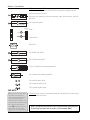
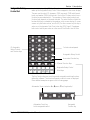
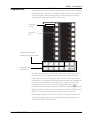
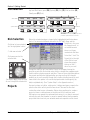
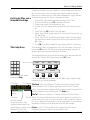
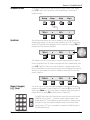
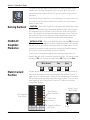
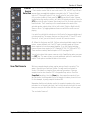
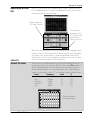
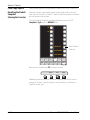
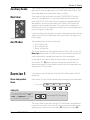
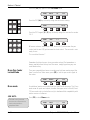
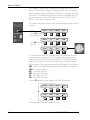
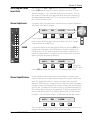
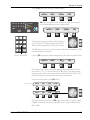
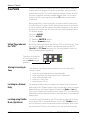
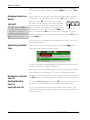
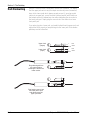
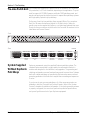
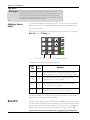
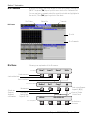
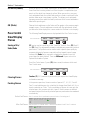
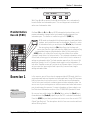
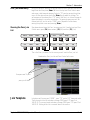
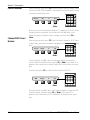
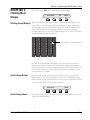
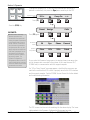
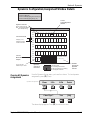
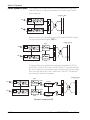
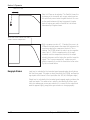
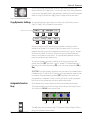
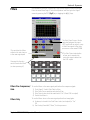
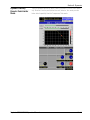
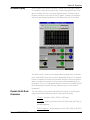
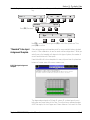
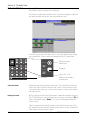
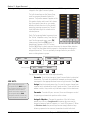
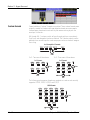
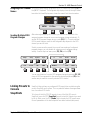
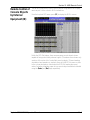
Assigning MIDI channel Descriptive names may be assigned to any MIDI channels by pressing [F1] on
the QWERTY keyboard. The Assignable key display shows up to eight characNames
ters while the SmartDisplay menu shows the name’s first three characters:
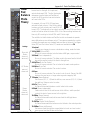
Reverb 1
PRG 31 9
2
— — — 10
MP01
01:Rev
31
F1
F2
Ch 2
RCL
F3
F4
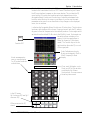
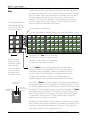
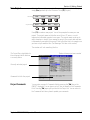
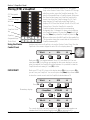
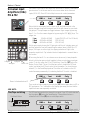
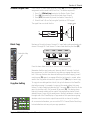
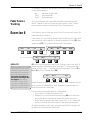
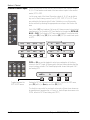
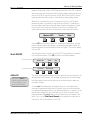
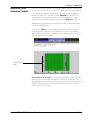
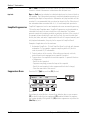
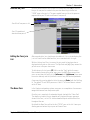
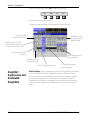
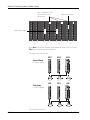
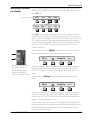
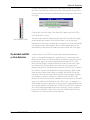
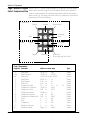
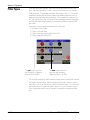
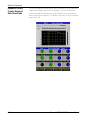
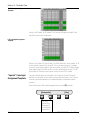
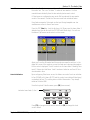
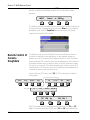
After entering/modifying a MIDI preset, you can choose to send all of its
assigned program changes at once or each program change individually. To
send all MIDI program changes at once, press [F4] (RCL). To send individual
MIDI channel changes, press the left Assignable key adjacent to the MIDI
channel you wish to send.
Sending Multiple MIDI
Program Changes
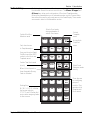
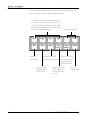
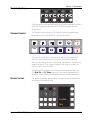
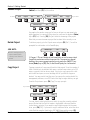
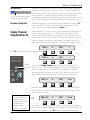
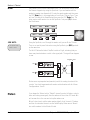
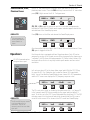
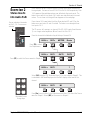
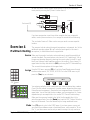
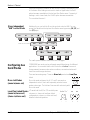
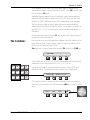
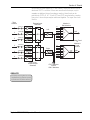
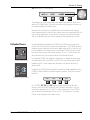
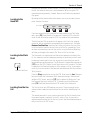
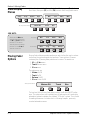
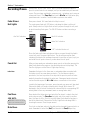
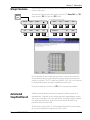
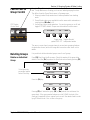
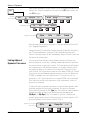
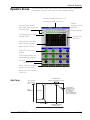
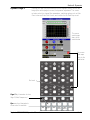
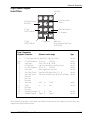
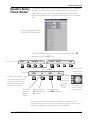
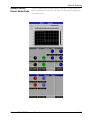
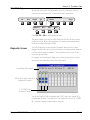
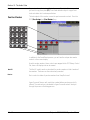
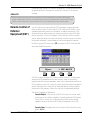
Should you ever want to prevent the console from sending all configured
program changes, you can disable all outgoing console program change
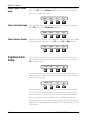
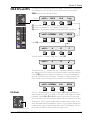
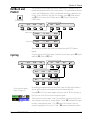
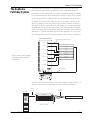
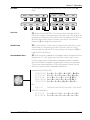
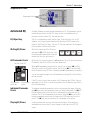
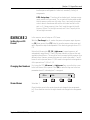
activity. From the top-level menu press [F3], [F4] and then [F3]:
Setup
Snap
System
Grps
In
Out
Preset
SS->SS
F1
F2
F3
F4
F1
F2
F3
F4
File
F-Link
GPI
MIDI
Enabled
Clear
Name
F1
F2
F3
F4
F1
F3
F4
F2
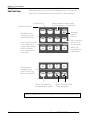
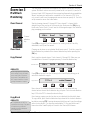
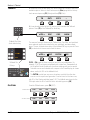
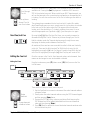
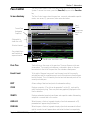
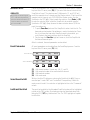
You can now disable all console MIDI program changes by pressing [F1]. [F3]
clears all MIDI assignments for the currently selected preset and [F4] allows
another way to name the currently selected MIDI channel.
Linking Presets to
Console
SnapShots
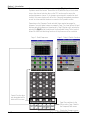
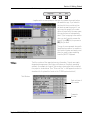
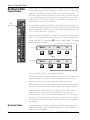
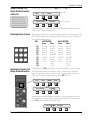
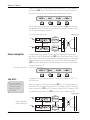
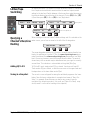
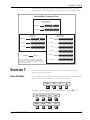
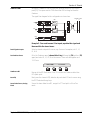
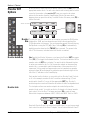
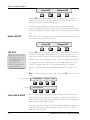
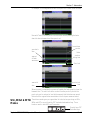
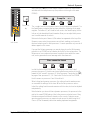
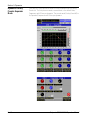
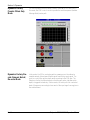
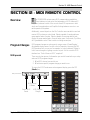
SnapShot linking allows any configured MIDI preset to be recalled using the
console SnapShot recall system. This is a powerful feature allowing automation of an entire MIDI studio.
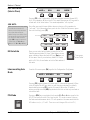
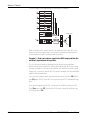
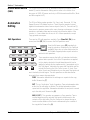
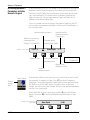
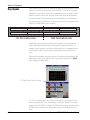
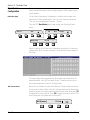
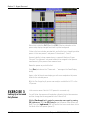
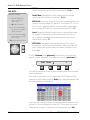
To link any of the fifty (50) MIDI presets to any of the fifty (50) console
SnapShots, press the DSC [SnapShot] key and select the Snapshot you want
to link to. Next, press the DSC [Studio] key to display the MIDI preset menu.
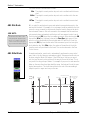
Once all parameters of the desired preset have been selected (midi preset,
Euphonix CS3000/2000 Operation Manual
12 - 5