1
Each input, display, and room
control can be labeled with
names, alphanumeric characters, or bitmapped pictures.
Each button’s label can contain
from 1 to 3 lines of text (or none).
Each line provides a choice of
font sizes and text placement.
Pictures can be selected either
from the Device Palette or a
user-supplied graphic file.
User-supplied graphics should
be icon (.ICO) or bitmap (.BMP)
files. Files called TEST.BMP and
DEMO_BTN.DAT are installed
with this program as examples.
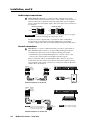
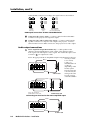
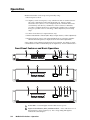
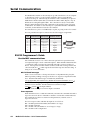
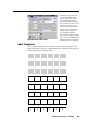
SCP 200 button label screen
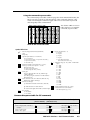
Label Templates
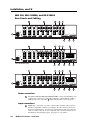
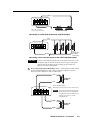
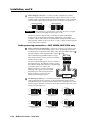
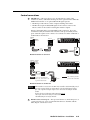
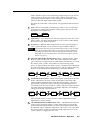
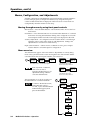
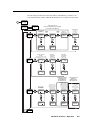
Below are full-sized templates for the labels. Feel free to photocopy them, write
button information in each area of the blank templates as desired, cut the strips out,
and insert the strips in the label window.
DISPLAY DISPLAY
POWER
MUTE
MODE
ROOM 1
ROOM 2
1
DISPLAY DISPLAY
POWER
MUTE
MODE
ROOM 1
ROOM 2
1
2
3
4
5
6
7
1
2
3
4
5
6
MediaLink Switchers • Labeling
B-3