1
SCSI to SATA RAID Subsystem | Administrator’s Manual
5.10
LCD Keypad Operation | en
69
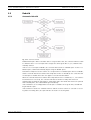
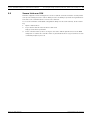
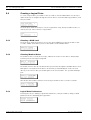
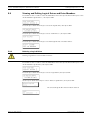
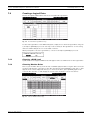
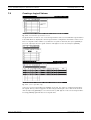
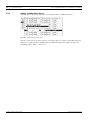
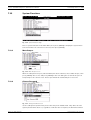
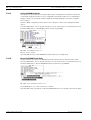
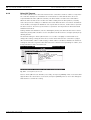
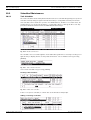
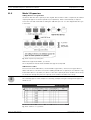
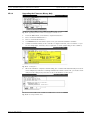
Viewing and Editing Host LUNs
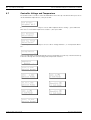
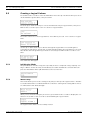
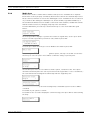
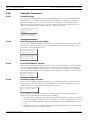
Press ENT for two seconds to enter the Main Menu. Press the up or down arrow keys to select
"View and Edit Host Luns", then press ENT.
Press the up or down arrow keys to select a host ID, then press ENT to proceed.
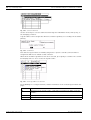
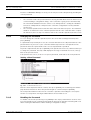
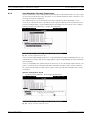
Use the up or down arrow keys to browse through the LUN number and its LUN mapping information.
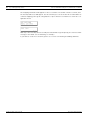
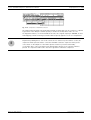
Press ENT on the LUN you wish to delete.
Press ENT for two seconds to confirm deletion. The deleted LUN has now been unmapped.
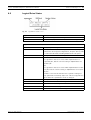
5.11
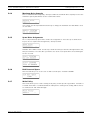
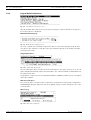
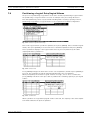
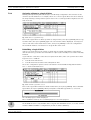
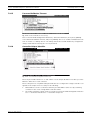
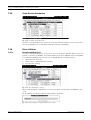
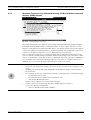
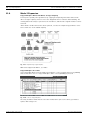
Viewing and Editing Drives
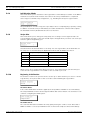
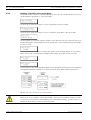
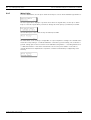
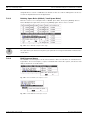
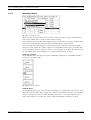
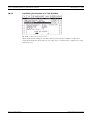
Deleting Spare Drive (Global / Local Spare Drive)
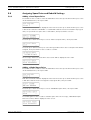
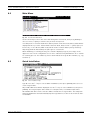
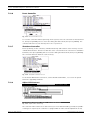
Press ENT for two seconds to enter the Main Menu. Press the up or down arrow keys to select
"View and Edit Drives," then press ENT.
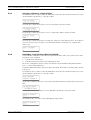
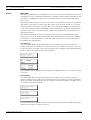
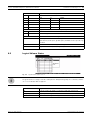
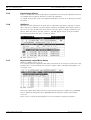
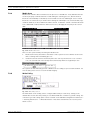
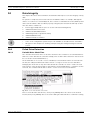
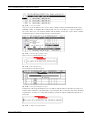
Drive information will be displayed on the LCD. Press the up or down arrow keys to select the
spare drive you wish to delete, then press ENT.
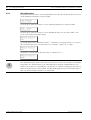
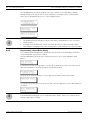
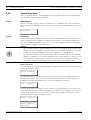
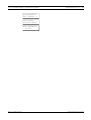
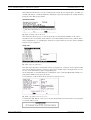
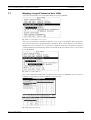
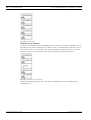
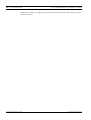
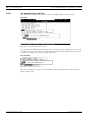
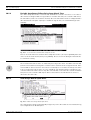
Press the up or down arrow keys to select “Delete Spare Drive," then press ENT to continue.
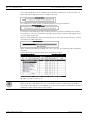
Press ENT for two seconds to delete the spare drive.
Bosch Security Systems
F.01U.027.802 | V1 | 2006.11