1
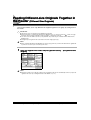
Inverting Original Images
(Nega/Posi)
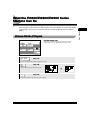
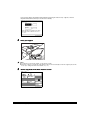
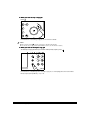
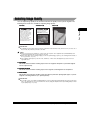
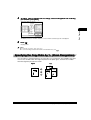
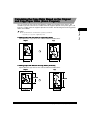
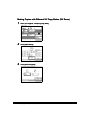
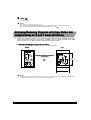
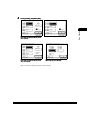
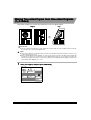
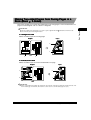
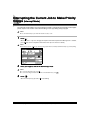
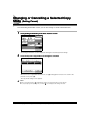
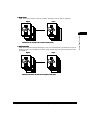
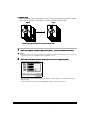
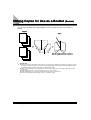
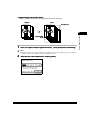
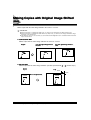
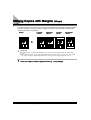
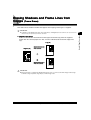
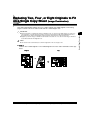
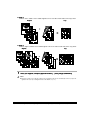
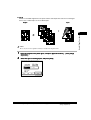
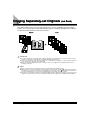
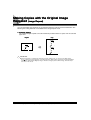
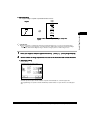
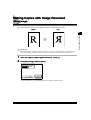
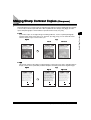
This function enables you to make copies of the original image inverting the black and the white
areas.
Original
Copy
SCENE
SCENE
1
2
Useful Copy Functions
2
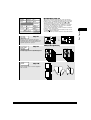
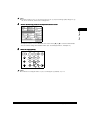
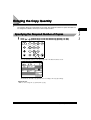
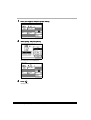
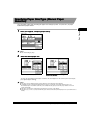
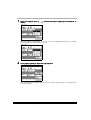
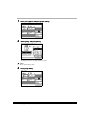
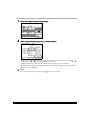
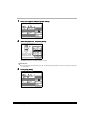
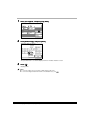
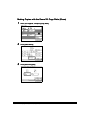
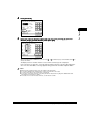
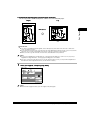
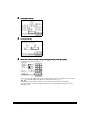
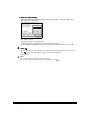
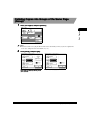
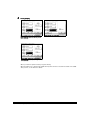
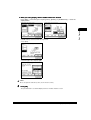
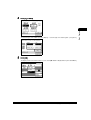
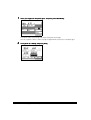
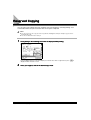
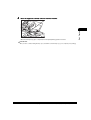
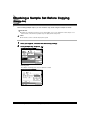
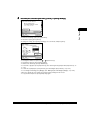
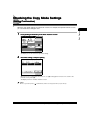
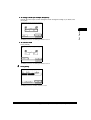
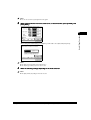
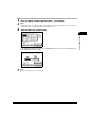
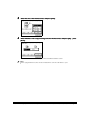
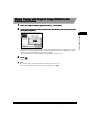
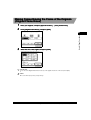
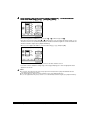
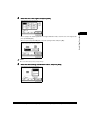
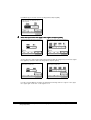
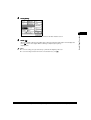
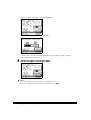
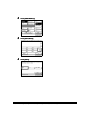
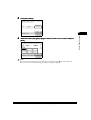
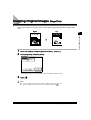
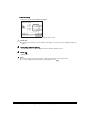
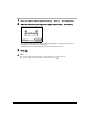
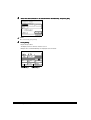
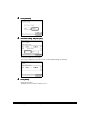
Place your originals, and press [Special Features] → press [t].
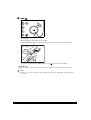
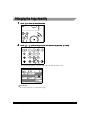
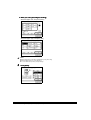
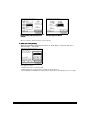
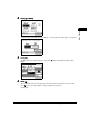
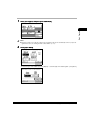
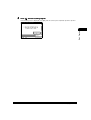
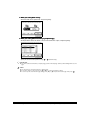
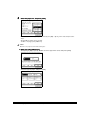
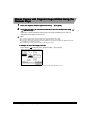
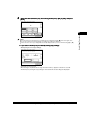
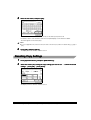
Press [Nega/Posi], and press [Done].
The specified mode is set and the display returns to the Basic Features screen.
3
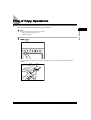
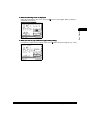
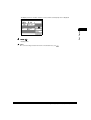
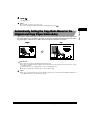
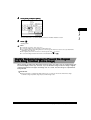
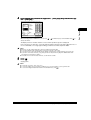
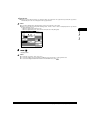
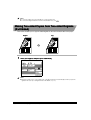
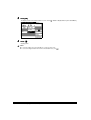
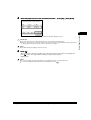
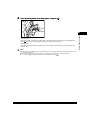
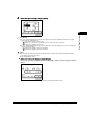
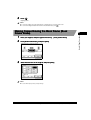
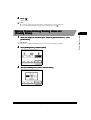
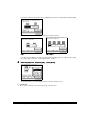
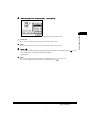
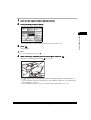
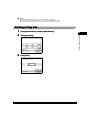
Press
.
Copy starts.
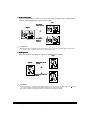
NOTE
•
•
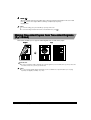
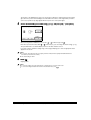
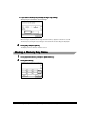
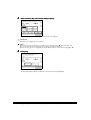
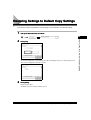
To cancel the setting, press the [Special Features] → [ t] → [Nega/Posi]. in this order.
To cancel all settings and return the machine to the Standard mode, press
.
Inverting Original Images (Nega/Posi)
2-57