1
U3606-90054_UG_EN.book Page 135 Friday, July 11, 2014 5:12 PM
System-Related Operation
Utility Menu Items
4
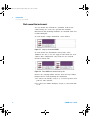
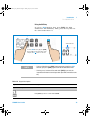
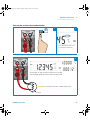
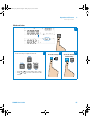
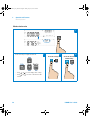
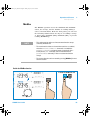
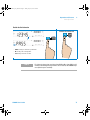
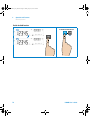
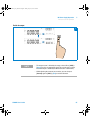
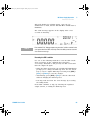
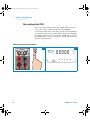
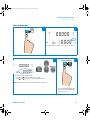
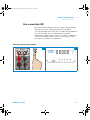
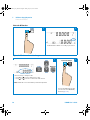
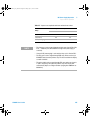
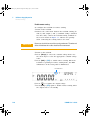
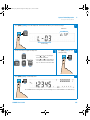
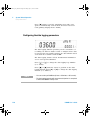
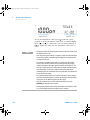
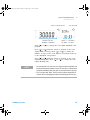
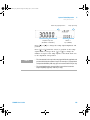
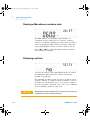
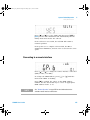
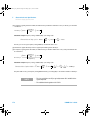
To set the number of points, press [ ] until the cursor
position is on the number of points on the primary display.
Press [ ] or [ ] to change the cursor position and [ ] or
[ ] to change the values for the number of points (2 to
1999).
NOTE
• The range of values for the number of points is from 2 to 1999, with the
default value at 10.
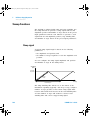
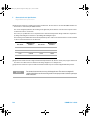
• The number of readings used to perform the smooth function
calculation depends on the number of points set. For example, if the
number of points is set to 10 (N = 10), the smooth function will only use
a maximum of 10 readings for averaging instead of an incremental
value as used in the average function of the MinMax operation. When
the instrument reaches the 11th reading or more, it will take the
previous averaged value multiply by (N–1), and the current value to
perform the averaging. Note the difference given below between the
smooth function and average function for a x number of readings:
Smooth function
V1 = r1
V2 = (r1 + r2)/2
V3 = (r1 + r2 + r3)/3
…
V10 = (r1 + r2 + … + r10)/10
V11 = (V10*9 + r11)/10
V12 = [(V11 * 9) + r12]/10
…
Vx–1 = [(Vx–2 * 9) + rx–1]/10
Vx = [(Vx–1 * 9) + rx]/10
U3606B User’s Guide
Average function
V1 = r 1
V2 = (r1 + r2)/2
V3 = (r1 + r2 + r3)/3
…
V10 = (r1 + r2 + … + r10)/10
V11 = (r1 + r2 + … + r10 + r11)/11
V12 = (r1 + r2 + … + r11 + r12)/12
…
Vx–1 = [r1 + r2 + … + rx–2 + rx–1]/(x–1)
Vx = [r1 + r2 + … + rx–1 + rx]/x
135