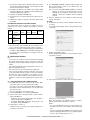
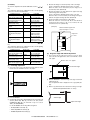
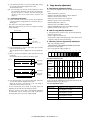
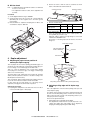
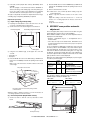
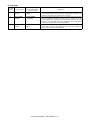
1
Main
code
22
Sub
code
19
Contents
Details of function/operation
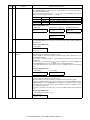
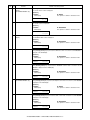
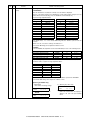
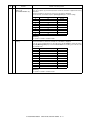
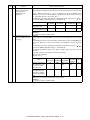
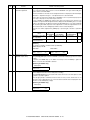
Scanner mode counter
display
(AL-2040CS/2050CS only)
[Function]
The scanner mode counter is displayed.
[Operation]
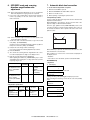
AL-2050CS
AL-2040CS
1) Initial display
The operation is similar to simulation 22-16.
22-19 S-MODE CNT
***,***
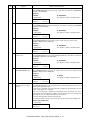
21
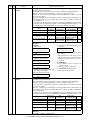
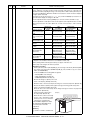
Scanner counter display
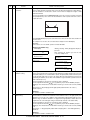
[Function]
The scanner counter is displayed.
[Operation]
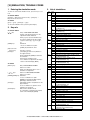
AL-2050CS
AL-2030/2040CS
1) Initial display
The operation is similar to simulation 22-04.
22-21 SCAN CNT
***,***
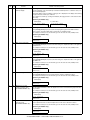
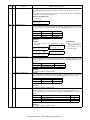
22
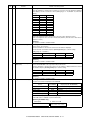
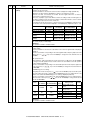
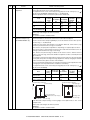
SPF/RSPF JAM counter
display
[Function]
The SPF/RSPF JAM counter is displayed.
[Operation]
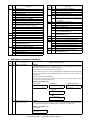
AL-2050CS
AL-2030/2040CS
1) Initial display
The operation is similar to simulation 22-04.
22-22 S JAM CNT
***,***
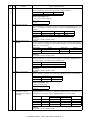
24
01
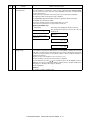
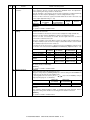
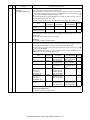
JAM total counter clear
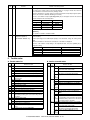
[Function]
When [ENTER]/[START] key is pressed, the JAM total counter is cleared to 0 and "000,000" is
displayed on the LCD/display.
[Operation]
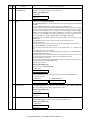
AL-2050CS
AL-2030/2040CS
1) Initial display
The operation is similar to simulation 22-04.
24-01 JAM TTL CLR.
CLEARED
000,000
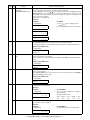
04
SPF/RSPF counter clear
[Function]
When [ENTER]/[START] key is pressed, the SPF/RSPF counter value is cleared to 0 and
"000,000" is displayed on the LCD/display.
[Operation]
AL-2050CS
AL-2030/2040CS
1) Initial display
The operation is similar to simulation 22-04.
24-04 SPF CLR.
CLEARED
000,000
05
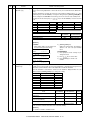
Duplex counter clear
(AL-2040CS/2050CS only)
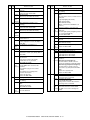
[Function]
When [ENTER]/[START] key is pressed, the duplex counter value is cleared to 0, and "000,000"
is displayed on the LCD/display.
[Operation]
AL-2050CS
AL-2040CS
1) Initial display
The operation is similar to simulation 22-16.
24-05 DPLX CLR.
CLEARED
000,000
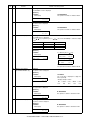
07
Drum counter clear
[Function]
When [ENTER]/[START] key is pressed, the drum counter value is cleared to 0, and "000,000"
is displayed on the LCD/display.
[Operation]
AL-2050CS
AL-2030/2040CS
1) Initial display
The operation is similar to simulation 22-04.
24-07 DRUM CLR.
CLEARED
000,000
AL-2030/2040CS/2050CS
SIMULATION, TROUBLE CODES 10 - 9