1
Chapter 9
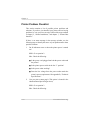
Printer Problem Checklist
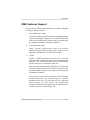
This section contains a list of possible printer problems and
solutions. If you have just installed your printer and are having
problems, be sure you have correctly followed the steps outlined
in chapter 2, “Printer Installation,” and chapter 3, “Printer-Host
Interface.”
If there is no status message in the message window, use the
following steps to identify the source of your problem and to learn
possible solutions:
1.
Do all indicators come on when the printer power is turned
on?
YES - Go to question 2.
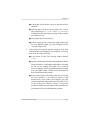
NO - Check the following:
2.
■
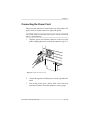
Is the power cord plugged into both the power outlet and
the printer?
■
Is the printer power switch in the On “1” position?
■
Is the power outlet working?
■
Does the line voltage from the power outlet match the
printer’s power requirements? See appendix B, “Technical
Specifications.”
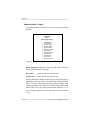
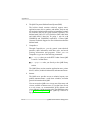
Can you print a status page? (This option is located in the
Administration/Special Pages menu.)
YES - Go to question 3.
NO - Check the following:
9-6
Troubleshooting