1
5.5.1 Creating and Deleting Partitions Manually
Use the Create Partition and Delete Partition options if you need to create a
custom hard disk partition arrangement or otherwise manually manage your
hard disk partitions.
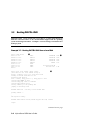
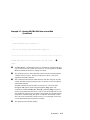
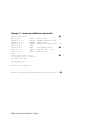
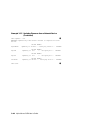
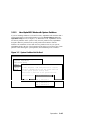
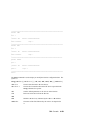
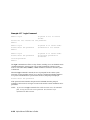
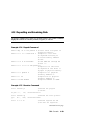
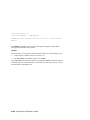
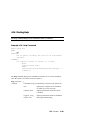
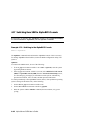
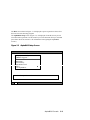
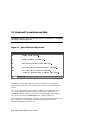
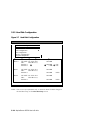
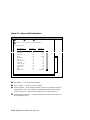
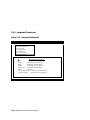
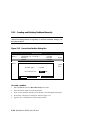
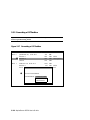
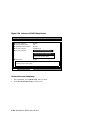
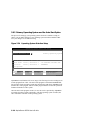
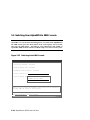
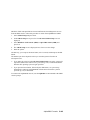
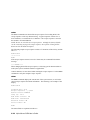
Figure 5-15 Create New Partition Dialog Box
Hard Disk Setup
Disk 0
QLISP1040 #0, SCSI ID 3
510 MB
Partition 1
200 MB
Unused
310 MB
Create new partition, Disk 0 Partition 2
NTFS
Disk 1
NTFS
FAT
Available space:
310 MB
New Partition Size:
ENTER
= Continue
200
ESC
MB
= Cancel
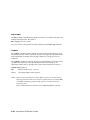
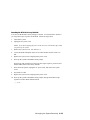
To create a partition
1.
Start AlphaBIOS and select Hard Disk Setup. Press Enter.
2.
Select the disk on which to create the partition.
3.
If one or more partitions already exist on the disk, select the unpartitioned space.
4.
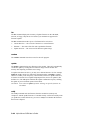
Press Insert. A dialog box is displayed, similar to Figure 5-15.
5.
Type the size of the partition to create and press Enter.
5-24 AlphaServer DS 20 User’s Guide