1
5
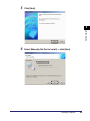
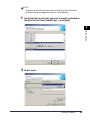
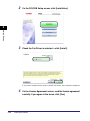
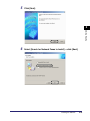
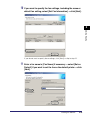
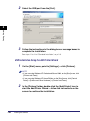
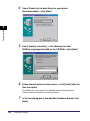
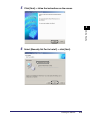
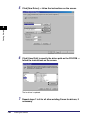
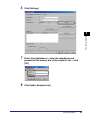
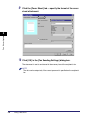
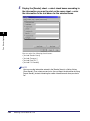
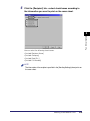
Click [OK] to close the fax properties dialog box ➞ click [OK]
in the [Print] dialog box.
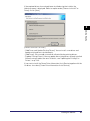
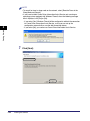
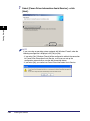
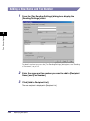
If the [Confirm ID/Password] dialog box opens, enter the ID
and the password ➞ click [OK].
5
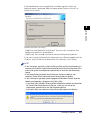
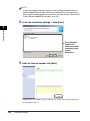
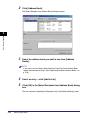
The document is faxed with the specified ID and password.
NOTE
• The [Confirm ID/Password] dialog box opens only if [Confirm ID/Password when
Sending Fax] is selected in the [ID/Password Settings] dialog box. Otherwise, the
document is faxed under the previously specified ID and password.
• You can leave the password blank.
Faxing with Job Accounting (Windows 2000/XP/Server
2003)
The procedure for faxing with Job Accounting differs depending on whether [Allow
Password Setting] is selected in the [Device Settings] sheet.
With Allow Password Setting Selected
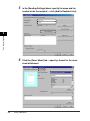
The password for Job Accounting can be specified in advance in the [ID/Password
Settings] dialog box.
1
2
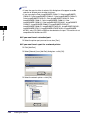
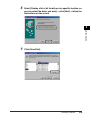
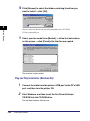
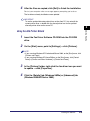
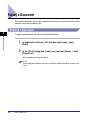
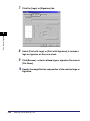
In application software, with the document open, select
[Print].
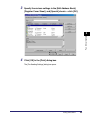
Click [Properties] in the [Print] dialog box.
Job Accounting Features
5-5
Special Fax Driver Options
4