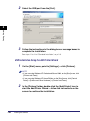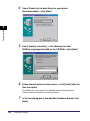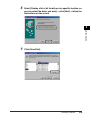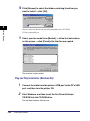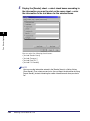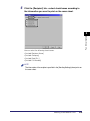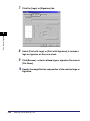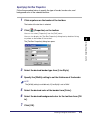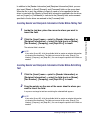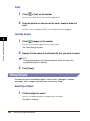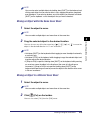
1
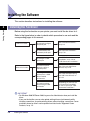
NOTE
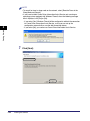
Depending on the software or the operating system you are using, a screen for
selecting the language to be used for the installer may be displayed before
installing.
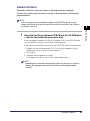
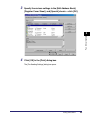
2
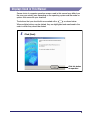
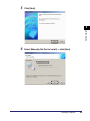
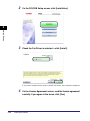
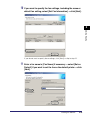
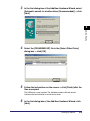
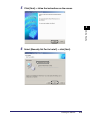
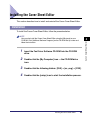
On the CD-ROM Setup screen, click [Installation].
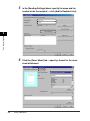
3
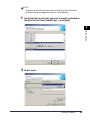
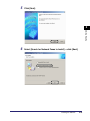
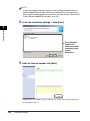
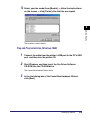
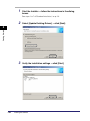
Check the Fax Driver is selected ➞ click [Install].
Getting Started
2
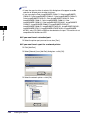
If you select multiple drivers to be installed, the drivers are installed in sequence.
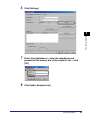
4
2-40
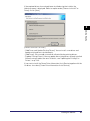
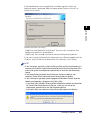
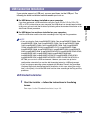
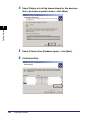
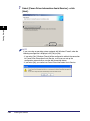
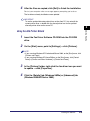
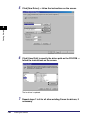
On the License Agreement screen, read license agreement
carefully. If you agree to the terms, click [Yes].
Installing the Software