1
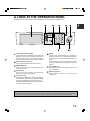
PART NAMES AND FUNCTIONS
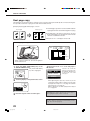
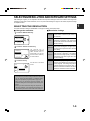
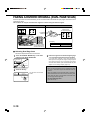
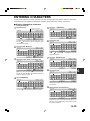
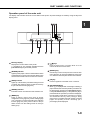
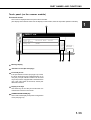
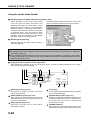
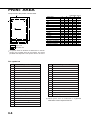
Touch panel (on the scanner module)
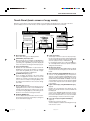
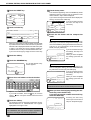
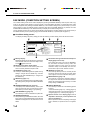
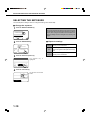
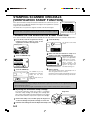
Print mode screen
This screen is displayed when the print mode is selected.
(The display varies with the mode. For the display in other modes, see their respective operation manuals.)
1
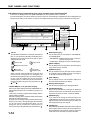
SELECT JOB.
PRINT HOLD JOB LIST
Sharp 005
Microsoft Word - Test001
Sharp 006
1/1
EXCEL1
CONDITION
SETTINGS
Message display
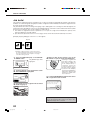
Job status screen (See next page.)
Print hold job list
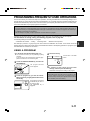
If the job retention function (see page 2-9) is used,
the list of stored print jobs is displayed here (up to
100 jobs). The job retention function can be used
only if the printer is equipped with a hard disk drive
unit. If the main switch is turned off, stored print
data will be cleared.
Display scroll keys
Use these keys to view the job hold list when it is
contained on more than one screen.
[CONDITION SETTINGS] key
Use to switch the display to the printer configuration
menu (see page 3-2).
1-13