1
eWON 500-2001-4001-4002 User Guide - Export Block Descriptors
11.3.6
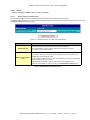
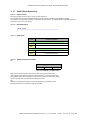
$dtSS [Scheduled Status]
11.3.6.1
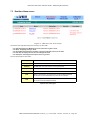
Export content
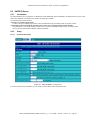
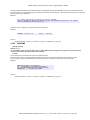
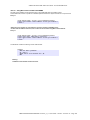
The scheduled actions are actions that are executed in a scheduled manner, for example: PutFTP, Send Mail, Send SMS.
When one of these actions is requested, it does not occur immediately, but it is queued for sequential execution.
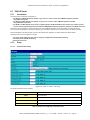
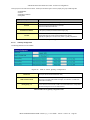
This exports allows checking the content of this queue and giving the status of all the actions in the queue:
"in progress", "executed (success)" and "executed with error".
11.3.6.2
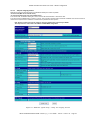
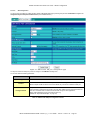
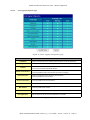
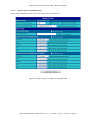
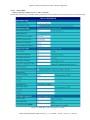
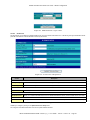
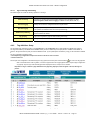
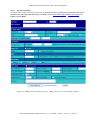
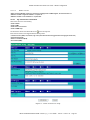
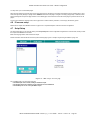
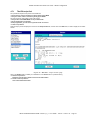
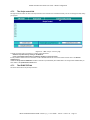
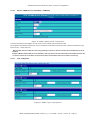
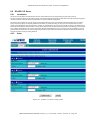
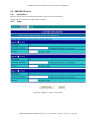
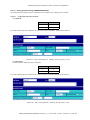
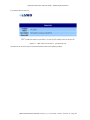
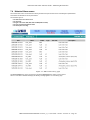
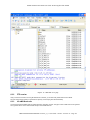
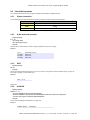
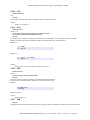
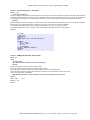
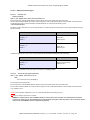
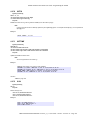
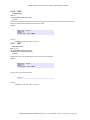
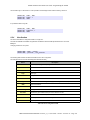
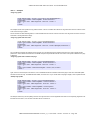
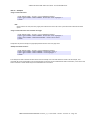
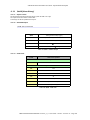
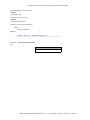
Detailed Example
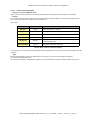
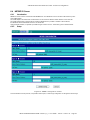
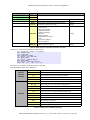
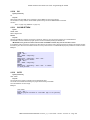
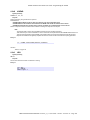
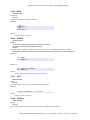
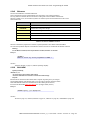
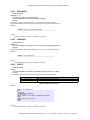
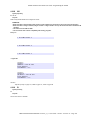
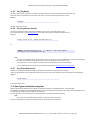
$dtSS
11.3.6.3
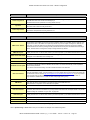
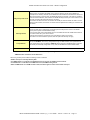
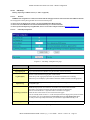
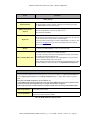
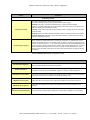
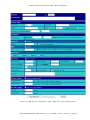
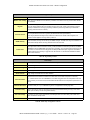
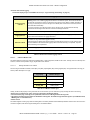
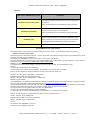
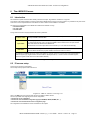
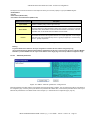
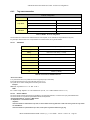
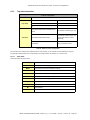
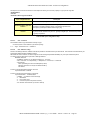
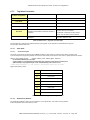
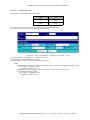
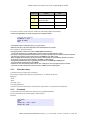
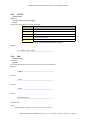
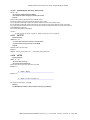
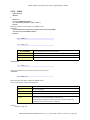
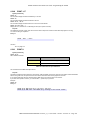
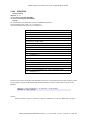
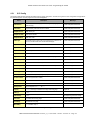
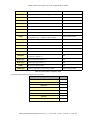
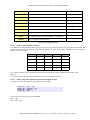
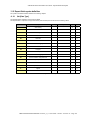
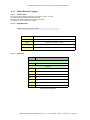
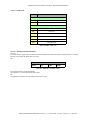
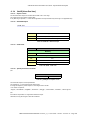
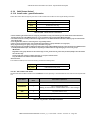
Fields used
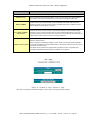
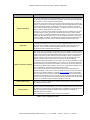
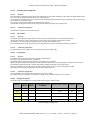
Fields
Value if not specified
Mandatory
$dt
Optional
$ft
Text
$fn
Export block descriptor
Table 132: $dtSS - fields used
11.3.6.4
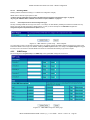
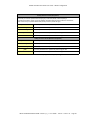
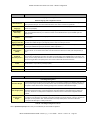
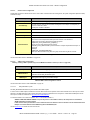
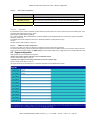
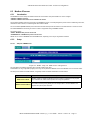
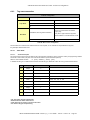
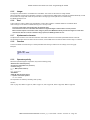
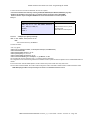
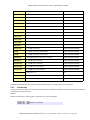
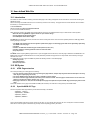
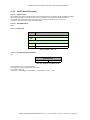
Special parameters and fields
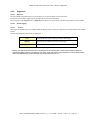
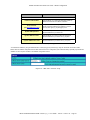
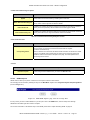
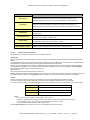
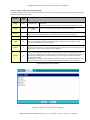
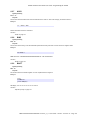
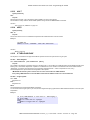
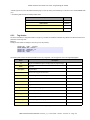
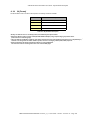
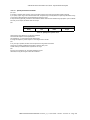
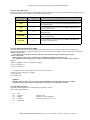
$ft
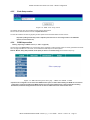
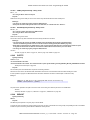
Acceptable values
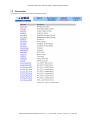
Text
HTML
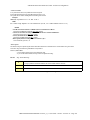
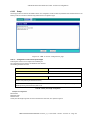
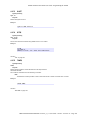
Table 133: [$dtSS] $ft - acceptable values
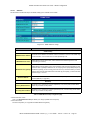
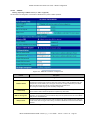
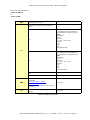
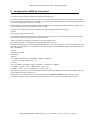
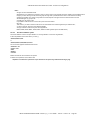
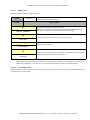
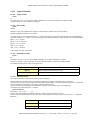
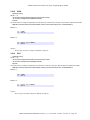
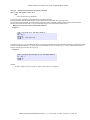
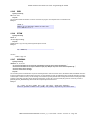
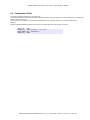
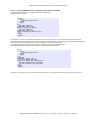
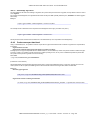
Text format will output a comma-separated file.
The separator is ‘;’ to avoid confusion with decimal point.
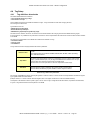
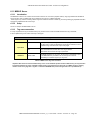
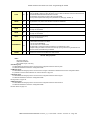
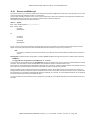
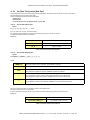
Line content of output file:
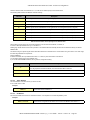
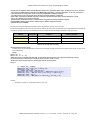
"ActionId","ActionType","StatusCode","StatusText","Start","End"
eWON 500®2001®4001®4002® Version 4_3_0 - User Guide - 10/5/05 - ©ACT'L sa - Page 207