1
Editing Image Sections
Editing Image Sections
Reference
For more information, see Help.
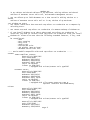
Before You Start Editing
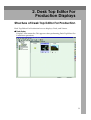
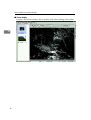
Before you start editing an image, you must enter Edit Image mode. To enter
Edit Image mode, switch from the [Section] menu or the Image Viewing toolbar.
Important
❒ We recommend backing up documents before you start editing them. Documents immediately reflect the changes made using the following functions of
this software, and cannot be undone.
4
Editing Multiple Sections at Once
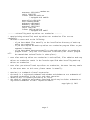
The following image processing functions can be performed for image sections
of a document. Image processing can be performed not only for an image section
displayed in the Section pane, but also for all sections in a document at once. Section range can also be specified to apply the image processing.
Note
❒ Multiple grayscale image sections and color image sections cannot be edited
at once.
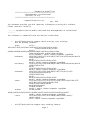
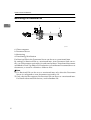
To Process a Specified Image Section
The following editing functions can be performed for a specified area. Methods
for specifying the image processing area for multiple sections and specifying a
range for a single section are different. When a range is specified, an image processing area cannot be specified.
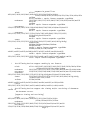
❖ Delete Area
Deletes inside a specified area of an image section.
❖ Fill Area
Fills inside or outside a specified area of an image section with white or black.
❖ Move Area
Moves a specified area of image section to a different position within the same
section.
25