1
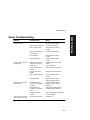
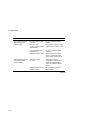
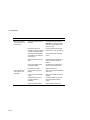
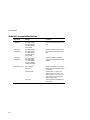
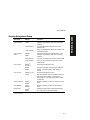
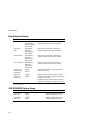
Security Subsystems Group
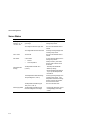
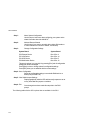
Menu Fields
Settings
Comments
Administrative
password option
Disable(1)
Enable
Press [Enter] to display the Password Menu. After
entering a new password, <Tab> down to verify the
password.
Enter password
Type your administrative password in the enter
password field.
Verify password
Verify your administrative password by typing it in the
verify password field.
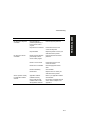
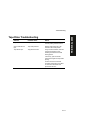
Disable(1)
Enable
Press [Enter] to display the Password Menu. After
entering a new password, [Tab] down to verify the
password.
Enter password
Type your user password in the enter password field.
Verify password
Verify your user password by typing it in the verify
password field.
Disable(1)/
[Ctrl-Alt-?]
Press [Enter] to display the menu.
Disable
Enable
[Tab] down to Enable, and then [Tab] to Enter New
Hot Key. Type one character, either a letter or
number.
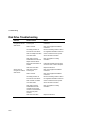
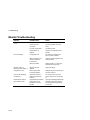
Disable(1)/[1-127
minutes
Press [Enter] to display the menu.
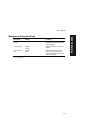
Secure boot mode
Enable
Disable(1)
Enables or disables your server’s secure boot mode
option.
Video blanking
Enable
Disable(1)
Enables or disables your server’s video blanking
option.
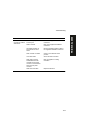
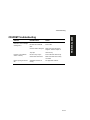
Floppy writes
Enable(1)
Disable
Enabling this option keeps unauthorized personnel
from copying server data onto diskettes.
User password
option
Hot key option
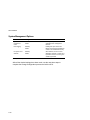
Lock out timer
(1)
Enter the number of minutes of keyboard inactivity to
lock your server’s keyboard. Once locked, an
administrative or user pasword is required to unlock
the keyboard.
Factory default setting
C-7
PRIORIS XL 6000
SCU Features