1
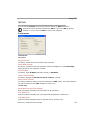
UID Mode Features
UID Mode Features
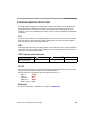
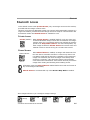
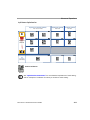
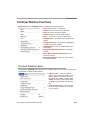
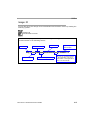
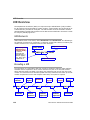
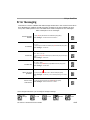
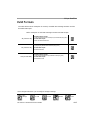
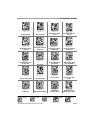
Table: Features of UID Mode
UID-Only Enabled
Allows the MS-Q to read only UID message streams encoded
in ECC 200 Data Matrix symbols and to send the UID output
to the host computer. The Imager will not read any other
symbol data when UID-Only is enabled.
UID-Only Enabled
with Error Messaging
Allows the MS-Q to read only UID message streams encoded
in ECC 200 Data Matrix symbols and to send the UID output to
the host computer. In addition, the Imager will send an error
message to the host if the UID message stream is invalid.
UID Enabled with
Pass Through
Allows both UID-encoded symbols and non-UID symbols to be
decoded and sent to the host.
UID Enabled with
Error Messaging
and Pass Through
Allows the MS-Q to decode UID symbols and non-UID symbols,
and to provide error messages if the UID message stream is
invalid.
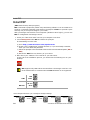
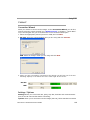
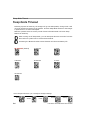
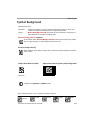
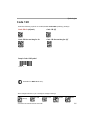
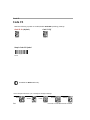
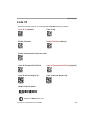
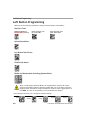
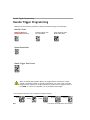
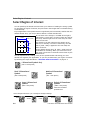
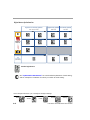
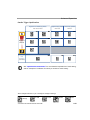
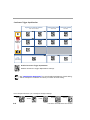
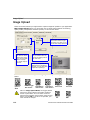
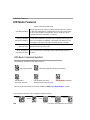
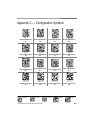
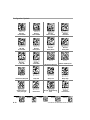
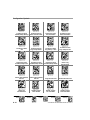
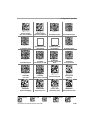
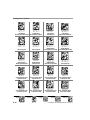
UID Mode Command Symbols
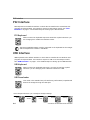
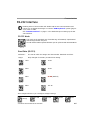
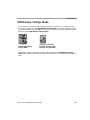
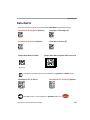
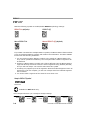
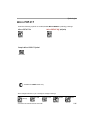
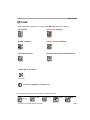
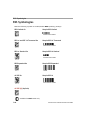
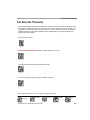
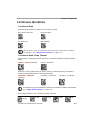
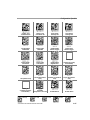
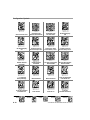
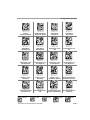
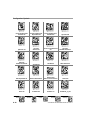
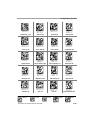
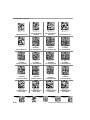
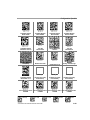
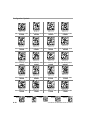
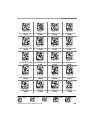
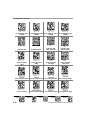
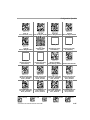
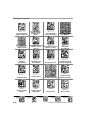
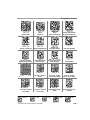
The following symbols control UID functions:
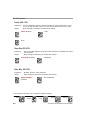
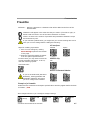
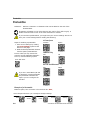
UID-Only Enabled
UID Enabled
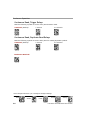
with Pass Through
UID-Only Enabled with Error Messaging
UID Enabled with Error
Messaging and Pass Through
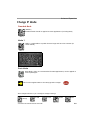
UID Disabled (default)
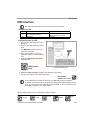
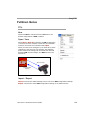
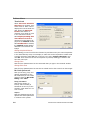
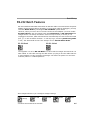
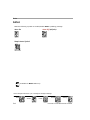
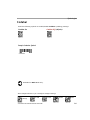
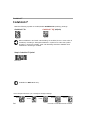
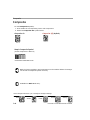
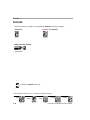
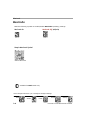
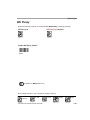
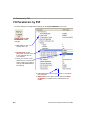
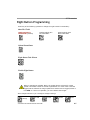
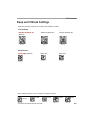
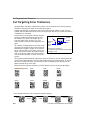
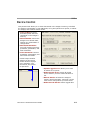
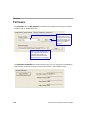
Each of these commands can also be enabled in ESP’s “I/O Parameters” section.
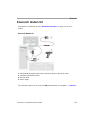
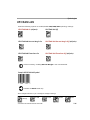
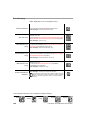
Save changes whenever you reconfigure Imager settings.
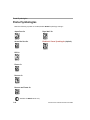
Clear XML
Rules
12-4
Clear
all Data
Default
to PS2
Default
to USB
Save
Settings
COPYRIGHT © 2005 MICROSCAN SYSTEMS