1
Configuring IP Addressing
IP Configuration
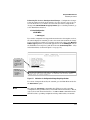
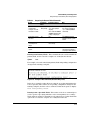
then the switch uses this gateway, even if a different gateway is received via
DHCP or Bootp on the primary VLAN. (This is also true for TimeP and a nondefault Time-To-Live.) See “Notes” on page 8-4 and refer to the chapter on
Virtual LANs in the Advanced Traffic Management Guide.
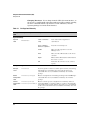
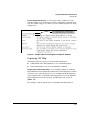
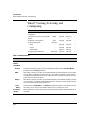
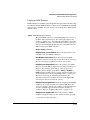
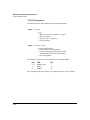
Packet Time-To-Live (TTL) . This parameter specifies how long in seconds an outgoing packet should exist in the network. In most cases, the default
setting (64 seconds) is adequate.
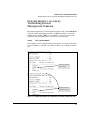
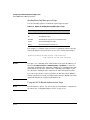
Just Want a Quick Start with IP Addressing?
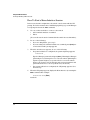
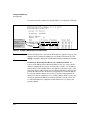
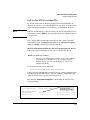
If you just want to give the switch an IP address so that it can communicate
on your network, or if you are not using VLANs, ProCurve recommends that
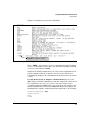
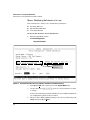
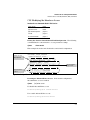
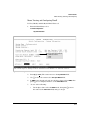
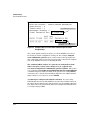
you use the Switch Setup screen to quickly configure IP addressing. To do so,
do one of the following:
■
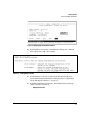
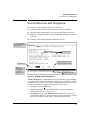
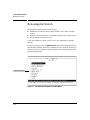
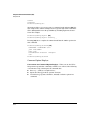
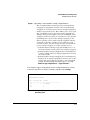
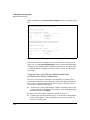
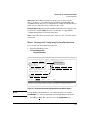
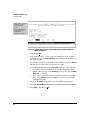
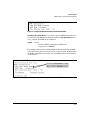
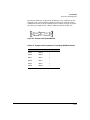
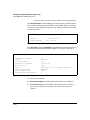
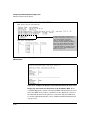
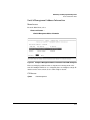
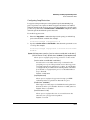
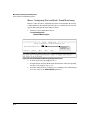
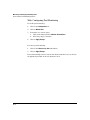
Enter setup at the CLI Manager level prompt.
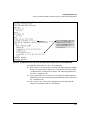
ProCurve# setup
■
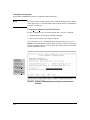
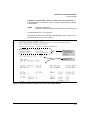
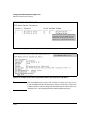
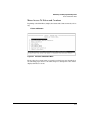
Select 8. Run Setup in the Main Menu of the menu interface.
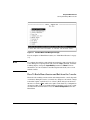
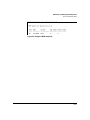
For more on using the Switch Setup screen, see the Installation and Getting
Started Guide you received with the switch.
IP Addressing with Multiple VLANs
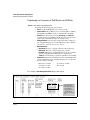
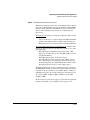
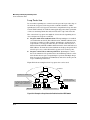
In the factory-default configuration, the switch has one, permanent default
VLAN (named DEFAULT_VLAN) that includes all ports on the switch. Thus,
when only the default VLAN exists in the switch, if you assign an IP address
and subnet mask to the switch, you are actually assigning the IP addressing
to the DEFAULT_VLAN.
Notes
8-4
■
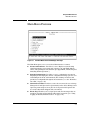
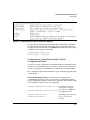
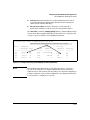
If multiple VLANs are configured, then each VLAN can have its own IP
address. This is because each VLAN operates as a separate broadcast
domain and requires a unique IP address and subnet mask. A default
gateway (IP) address for the switch is optional, but recommended.
■
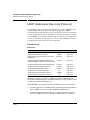
In the factory-default configuration, the default VLAN (named
DEFAULT_VLAN) is the switch’s primary VLAN. The switch uses the
primary VLAN for learning the default gateway address, (packet) TimeTo-Live (TTL), and Timep via DHCP or Bootp. (Other VLANs can also use
DHCP or BootP to acquire IP addressing. However, the switch’s gateway,
TTL, and TimeP values will be acquired through the primary VLAN only.)
For more on VLANs, see the Advanced Traffic Management Guide.