1
Troubleshooting
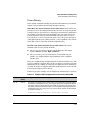
Diagnostic Tools
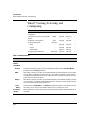
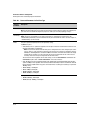
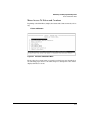
CLI Administrative and Troubleshooting Commands
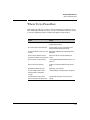
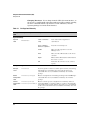
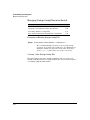
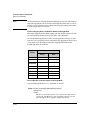
These commands provide information or perform actions that you may find
helpful in troubleshooting operating problems with the switch.
Note
For more on the CLI, refer to “Using the Command Line Interface (CLI)” on
page 4-1.
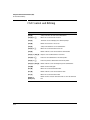
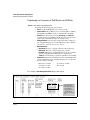
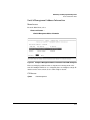
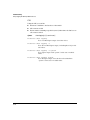
Syntax:
show version
Shows the software version currently running on the switch
and the flash image from which the switch booted (primary
or secondary).
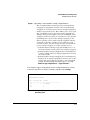
show boot-history
Displays the switch shutdown history.
show history
Displays the current command history.
[no] page
Toggles the paging mode for display commands between
continuous listing and per-page listing.
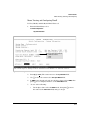
setup
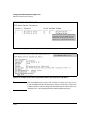
Displays the Switch Setup screen from the menu interface.
repeat
Repeatedly executes the previous command until a key is
pressed.
kill
Terminates all other active sessions.
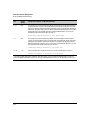
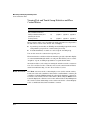
Traceroute Command
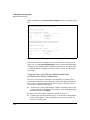
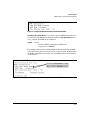
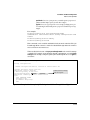
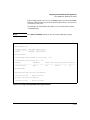
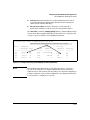
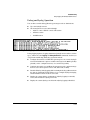
The traceroute command enables you to trace the route from the switch to a
host address.
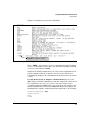
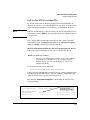
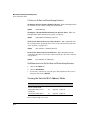
This command outputs information for each (router) hop between the switch
and the destination address. Note that every time you execute traceroute, it
uses the same default settings unless you specify otherwise for that instance
of the command.
C-40