1
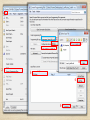
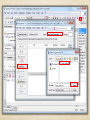
Installed The USB-Blaster driver
(1/3)
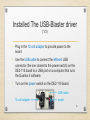
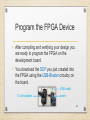
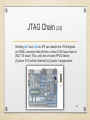
• Plug in the 12-volt adapter to provide power to the
board.
• Use the USB cable to connect the leftmost USB
connector (the one closest to the power switch) on the
DE2-115 board to a USB port on a computer that runs
the Quartus II software.
• Turn on the power switch on the DE2-115 board.
USB cable
12-volt adapter
power
20