1
C300CompleteVersion.fm
Page 11
Friday, April 19, 2002
2:16 PM
T191
Ending a call
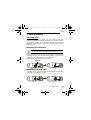
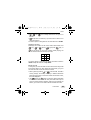
When you finish a phone call, press
or
call and return to idle mode. Also press
(EXIT) to end the
or
(EXIT) if you
want to drop a call after dialing.
Answering a call
When your phone rings or vibrates, the screen will display the name
or the phone number of the caller (Network support dependent). The
name displayed depends on the data in the Phone Book. Press
(OK) or
to answer a call.You can also answer incoming calls by
pressing any key.*
If you want to reject a call, press
or
(EXIT).
* To change the answering mode, you must go to Profiles under the
Audio Setting menu. See page 77 for details.
Turning off the phone
Long press
to turn your phone off.
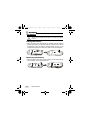
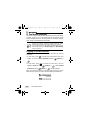
One-touch dialing
There are two ways of doing one-touch dialing while in idle mode:
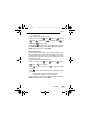
• Long press
. The last number you dialed will be dialed again
automatically.
• You can dial any of the first 9 phone numbers saved in the Phone
Book by long pressing its phone book location number. If the
number is saved in the Phone Book at location 5, for example, long
press 5
to make the call.
3. Using Your Phone
11