1
About Your Phone
About Your Phone
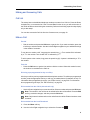
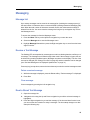
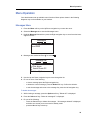
The Mitel 5606 Wireless Handset is a robust, feature-rich handset designed to function in tough
environments. It operates in conjunction with a DECT base station and the 3300 ICP. The 5606
is ideal for users who need mobile voice and messaging functions contained in a durable, waterand dust-protected package.
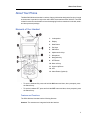
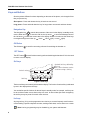
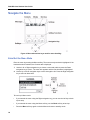
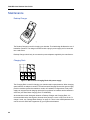
Elements of Your Handset
1. Loudspeaker
2. Display
3. Mute Button
4. Soft keys
5. ON Button
6. Alphanumeric Keys
7. Microphone
8. Navigation Key
9. OFF Button
10. Menu soft key
11. Volume Up/Down
12. LED
13. Alarm Button (Optional)
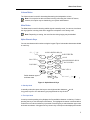
•
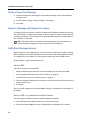
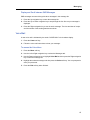
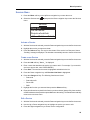
To turn the handset ON, press and hold the ON button and then, when prompted, press
the Yes soft key.
•
To turn the handset OFF, press and hold the OFF button and then, when prompted, press
the Yes soft key.
Features and Functions
The 5606 Wireless Handset has the following features:
Antenna: The antennae are integrated inside the handset.
1