1
1
Model Construction
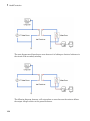
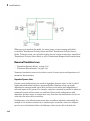
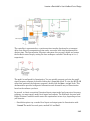
element configuration (that is, the number and type of ports and the associated
Through and Across variables) would remain the same, meaning that the Physical
Network approach lets you substitute models of different levels of complexity without
introducing any changes to the schematic.
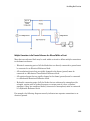
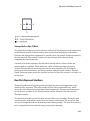
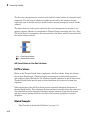
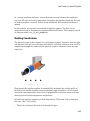
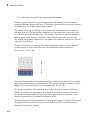
Simscape blocks, in general, feature both Conserving ports
and outports .
and Physical Signal inports
Using the Conserving Ports
The following rules apply to Conserving ports:
• There are different types of Physical Conserving ports used in Simscape block
diagrams, such as hydraulic, pneumatic, electrical, magnetic, thermal, mechanical
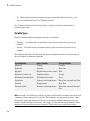
translational, and mechanical rotational. Each type has specific Through and Across
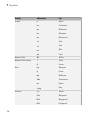
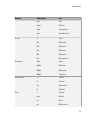
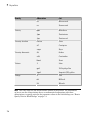
variables associated with it. For more information, see “Variable Types” on page 1-4.
• You can connect Conserving ports only to other Conserving ports of the same type.
• The Physical connection lines that connect Conserving ports together are
nondirectional lines that carry physical variables (Across and Through variables, as
described above) rather than signals. You cannot connect Physical lines to Simulink
ports or to Physical Signal ports.
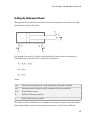
• Two directly connected Conserving ports must have the same values for all their
Across variables (such as voltage or angular velocity).
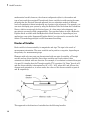
• You can branch Physical connection lines. When you do so, components directly
connected with one another continue to share the same Across variables. Any
Through variable (such as current or torque) transferred along the Physical
connection line is divided among the multiple components connected by the branches.
How the Through variable is divided is determined by the system dynamics.
For each Through variable, the sum of all its values flowing into a branch point equals
the sum of all its values flowing out.
Using the Physical Signal Ports
The following rules apply to Physical Signal ports:
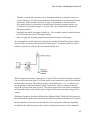
• You can connect Physical Signal ports to other Physical Signal ports with regular
connection lines, similar to Simulink signal connections. These connection lines carry
physical signals between Simscape blocks.
1-16