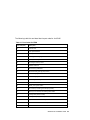
1
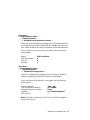
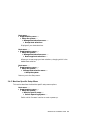
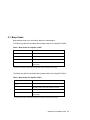
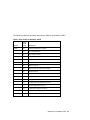
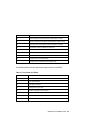
Boot menu . . .
Supplementary menu . . .
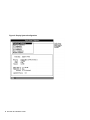
Setup the system . . .
Set system language . . .
È
È
È
Allows you to specify the language that you want to use while
interacting with the firmware. American English is the only
language built into the firmware. If you want to use another
language, ensure that your firmware language support disk is in
your diskette drive before choosing this option.
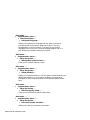
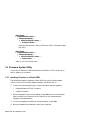
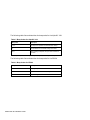
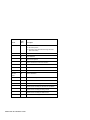
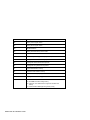
Boot menu . . .
Supplementary menu . . .
Setup the system . . .
Manage boot selection menu . . .
È
È
È
Takes you to the Boot selections menu.
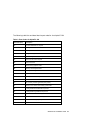
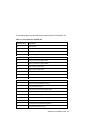
Boot menu . . .
Supplementary menu . . .
Setup the system . . .
Setup autoboot . . .
È
È
È
Allows you to specify whether or not the system should autoboot your
default boot selection. If you choose to autoboot, you will also be
prompted for the number of seconds to wait before autoboot should
occur.
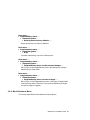
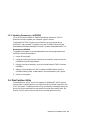
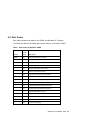
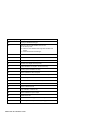
Boot menu . . .
Supplementary menu . . .
Setup the system . . .
Machine specific setup . . .
È
È
È
Takes you to the Machine specific setup menu.
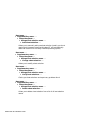
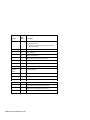
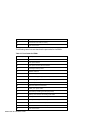
Boot menu . . .
Supplementary menu . . .
Setup the system . . .
Edit environment variables . . .
È
È
È
Allows you to edit the firmware environment.
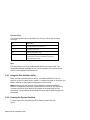
20 Windows NT Installation Guide