1
Deployment Integration
•
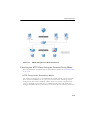
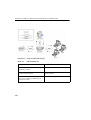
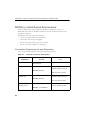
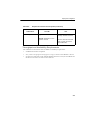
Define the following configuration settings in the [ftp] section of the pni-file:
• proxy_mode=dedicated
specifies operational mode
• ftp_server
specifies the IP address of the protected FTP
server
• ftp_server_port
specifies the TCP port of the protected server
Integration with an ICAP Device
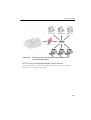
You can integrate IWSVA on a network that utilizes an ICAP 1.0 compliant cache
server.
Setting up an ICAP 1.0-compliant Cache Server
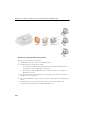
Configure an ICAP client to communicate with the ICAP server.
•
To set up ICAP for NetCache Appliance: on page A-9
•
To set up ICAP for the Blue Coat Port 80 Security Appliance: on page A-11
•
To set up ICAP for Cisco CE ICAP servers: on page A-15
Setting up ICAP for NetCache Appliances
To set up ICAP for NetCache Appliance:
1.
Log on to the NetCache console by opening http://{SERVER-IP}:3132 in a
browser window.
2.
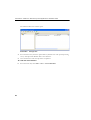
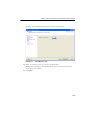
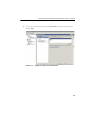
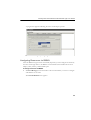
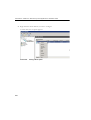
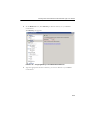
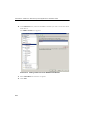
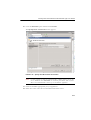
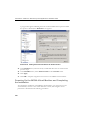
Click Setup, and then click ICAP > ICAP 1.0 in the left menu.
3.
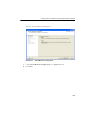
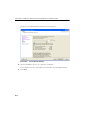
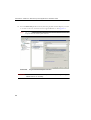
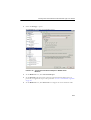
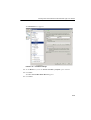
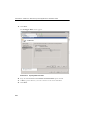
Click General, and then select Enable ICAP Version 1.0. Click Commit
Changes.
Note:
4.
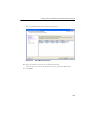
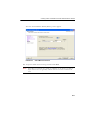
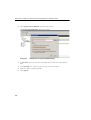
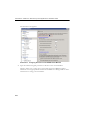
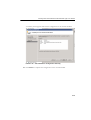
An “icap: This service is not licensed” error message appears
when you have not provided the required ICAP license key for NetCache.
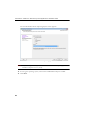
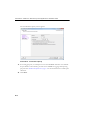
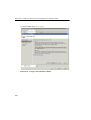
Enter an ICAP license key:
A-9