1
Trend Micro™ InterScan™ Web Security Virtual Appliance 6.5 Installation Guide
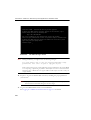
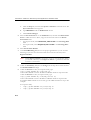
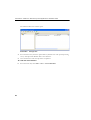
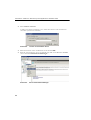
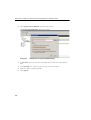
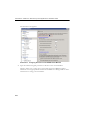
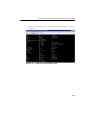
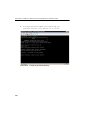
To complete the hard disk configuration:
1.
At the enable system prompt, type:
configure system harddisk
This action will add the new virtual hard drive in the IWSVA /var folder.
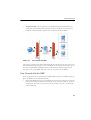
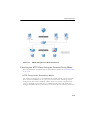
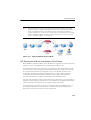
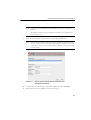
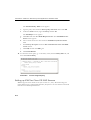
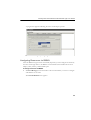
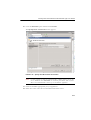
FIGURE F-22. Configuring the Virtual Hard Disk for IWSVA Use
Note:
IWSVA supports the addition of one virtual hard drive with each virtual
machine.
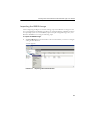
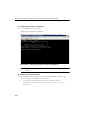
To configure the network settings:
1.
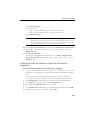
At the enable system prompt, type the following commands to configure the
network settings for the IWSVA virtual machine:
a.
To configure the IP address of the network interface card, type:
configure network interface static <eth0> 10.10.10.1
255.255.25
F-24