1
Configuring the Tuners in Microsoft
Windows XP Media Center Edition
If you have any problems with MCE, please consult the documentation associated
with MCE. For more information on configuring or using Microsoft Windows XP
Media Center Edition, please visit
http://www.microsoft.com/windowsxp/mediacenter/default.mspx.
Setting Up a TV Tuner in MCE
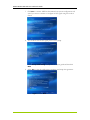
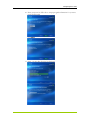
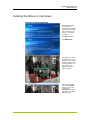
With the hardware and software installed, you need to set-up the TV tuners to
receive the TV signals in your area. Upon initial power-on, the MCE application
may launch automatically. If it does, begin with Step 2. If it does not launch, begin
with Step 1. If you would like to manually configure the tuners, see Configuring Tuners
Manually on page 32.
Note:
If you intend to use your set-top box with MCE (i.e. using the set-top box as a
TV receiver/tuner and NVIDIA DualTV as the A/V capture device), you need to
have an MCE-compatible remote control/receiver with IR blaster(s). The latter
controls the set-top box to change channels. You would need to plug in the
remote receiver to your MCE PC before you configure the tuners.
Configuring Tuners Automatically
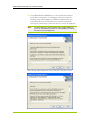
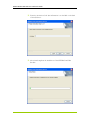
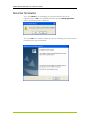
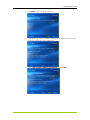
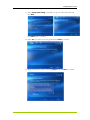
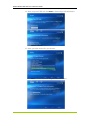
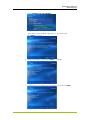
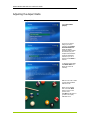
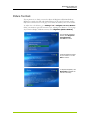
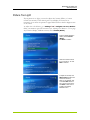
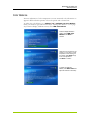
1. Go to Start and select Media Center to launch the application.
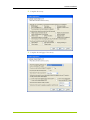
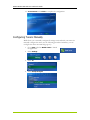
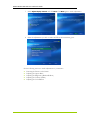
2. Select Settings.
27