1
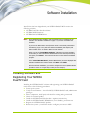
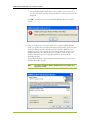
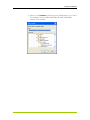
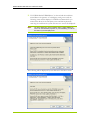
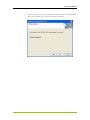
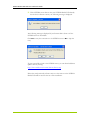
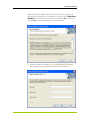
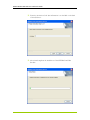
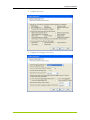
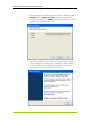
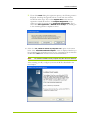
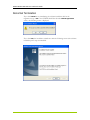
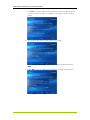
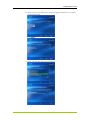
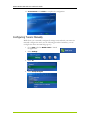
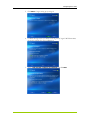
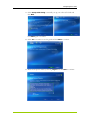
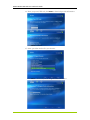
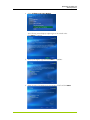
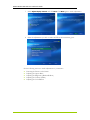
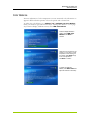
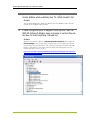
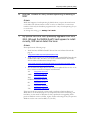
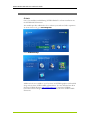
Software Installation The CD that has been shipped with your NVIDIA DualTV MCE contains the following software: NVIDIA PureVideo decoder software NVIDIA MCE Extensions NVIDIA DualTV WDM Driver Note: All the NVIDIA DualTV hardware must be installed prior to installation of the software. See Hardware Installation on page 7 if you have not installed the hardware. If you have an MCE remote control/receiver and it is not already connected to the MCE PC, plug it in only after the software installation (this chapter) and before setting up the TV signal in MCE (see next chapter). When you see the “Found New Hardware” (detecting new tuner hardware) screen after you have inserted the NVIDIA DualTV tuner card and powered up the system, click Cancel. Then insert the CD and run the software installation program. If the “Found New Hardware” (detects WDM drivers) screen is displayed after software installation and system restart, click Next, then Finish. After the software installation, you need to configure the tuners (NVIDIA DualTV provides 2 tuners on a single card) in MCE (see next chapter). Installing Software and Registering Your NVIDIA DualTV Card Installing the NVIDIA DualTV software and registering your NVIDIA DualTV card consists of the following procedures: Power up the system Verify the environment— check for MCE, NVIDIA DualTV card, administrator privileges Select components, install path, and check for existing analog tuner cards Check for software updates Install the NVIDIA PureVideo decoder—requires activation key Install the NVIDIA DualTV WDM driver, User’s Guide(s), and short-cuts Register the NVIDIA DualTV product Restart the system—you will then need to configure your tuner in MCE 11