1
12. Moving
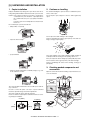
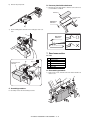
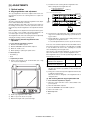
Moving instructions
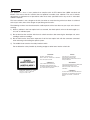
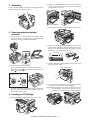
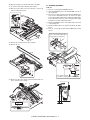
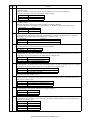
When moving the unit, follow the procedure below.
Note: When moving this unit, be sure to remove the TD cartridge
in advance.
1) Turn the power switch off and remove the power cord from the
outlet.
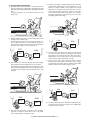
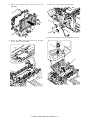
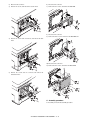
2) Open the side cover and front cover, in that order. Remove the
TD cartridge and close the front cover and side cover, in that
order.
To open and close the side cover and front cover, and to
remove the TD cartridge.
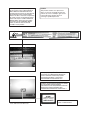
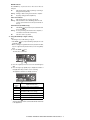
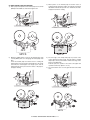
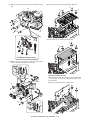
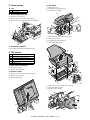
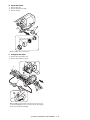
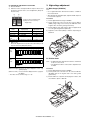
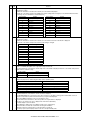
3) Raise the handle of the paper tray and pull the paper tray out
until it stops.
4) Push the center of the pressure plate down until it locks in
place and lock the plate using the pressure plate lock which
has been stored in the front of the paper tray.
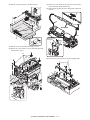
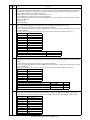
5) Push the paper tray back into the unit.
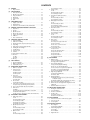
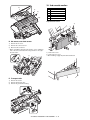
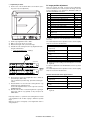
6) Lock the scan head locking switch.
Note: When shipping the unit, the scan head locking switch must
be locked to prevent shipping damage.
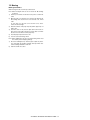
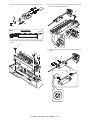
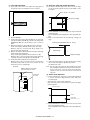
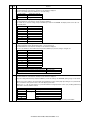
7) Close the multi-bypass tray and the paper output tray extension, and attach the packing materials and tape which were
removed during installation of the unit.
8) Pack the unit into the carton.
AL-2040CS UNPACKING AND INSTALLATION 5 - 5