1
7.1
7.1.2
System Settings
7
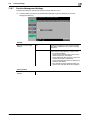
Output Settings
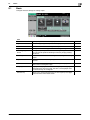
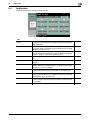
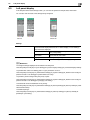
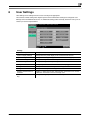
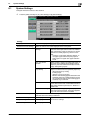
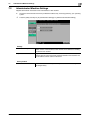
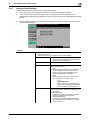
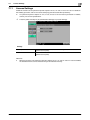
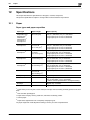
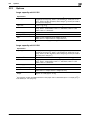
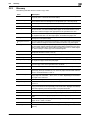
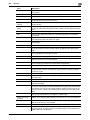
Configure the settings for the output functions.
%
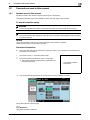
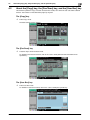
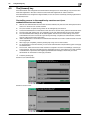
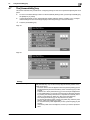
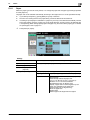
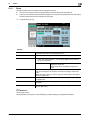
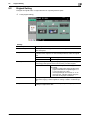
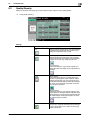
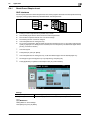
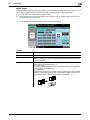
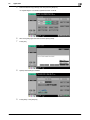
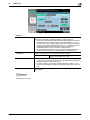
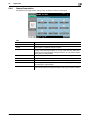
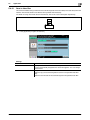
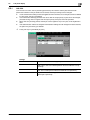
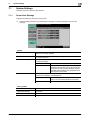
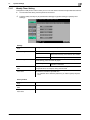
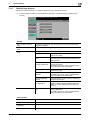
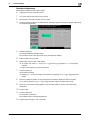
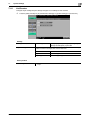
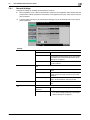
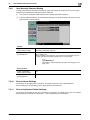
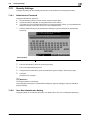
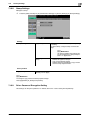
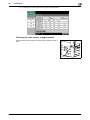
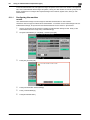
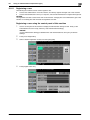
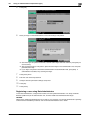
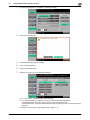
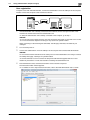
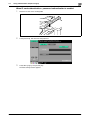
Press the [Utility/Counter] key ö [Administrator Settings] ö [System Settings] ö [Output Settings].
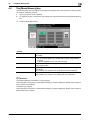
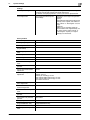
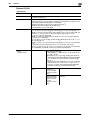
Settings
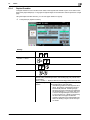
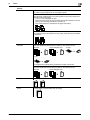
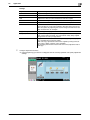
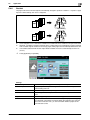
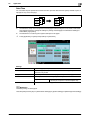
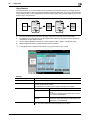
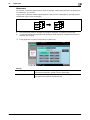
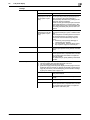
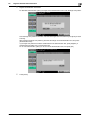
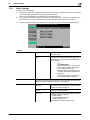
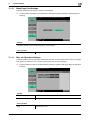
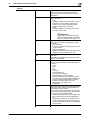
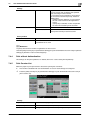
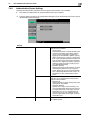
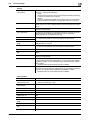
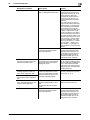
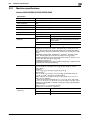
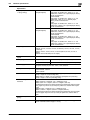
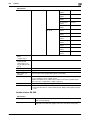
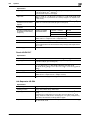
Print/Fax Output Settings
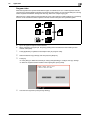
This setting is for the print and fax operations. For details, refer to the "User's Guide [Network Scan/Fax/Network Fax Operations]" and " User's
Guide [Print Operations]".
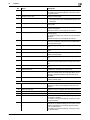
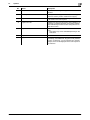
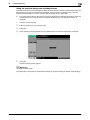
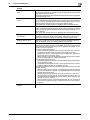
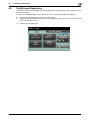
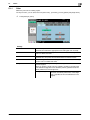
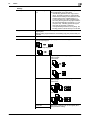
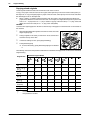
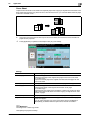
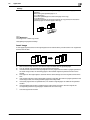
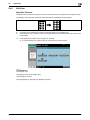
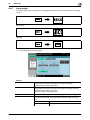
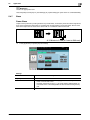
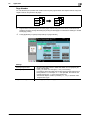
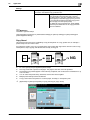
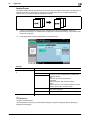
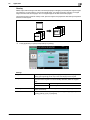
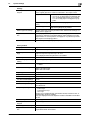
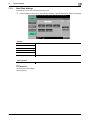
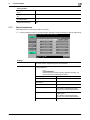
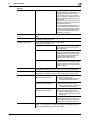
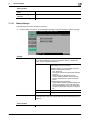
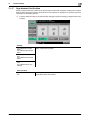
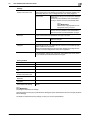
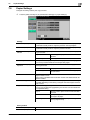
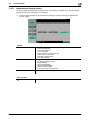
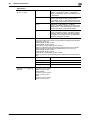
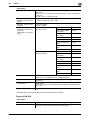
Output Tray Settings
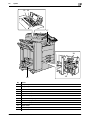
Configure an output tray given priority for outputting by function.
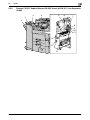
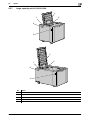
This item is displayed when the Finisher or Job Separator JS-504 is installed.
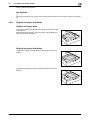
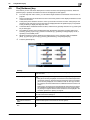
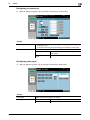
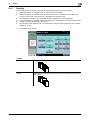
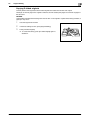
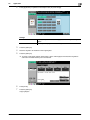
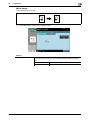
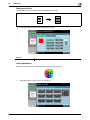
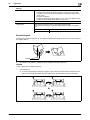
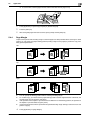
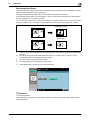
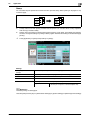
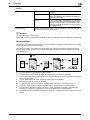
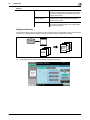
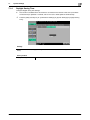
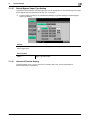
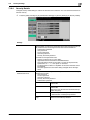
Shift Output Each Job
Select whether to shift the output paper for each job.
This item is displayed when the Finisher or Job Separator JS-504 is installed.
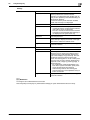
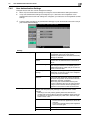
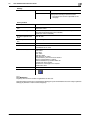
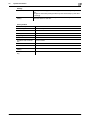
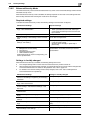
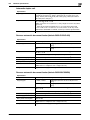
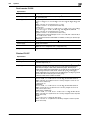
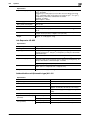
Factory default
Print/Fax Output Settings
Print: Page Print
Fax: Batch Print
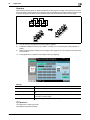
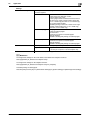
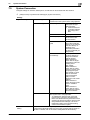
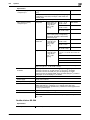
Output Tray Settings
• Copy: Tray 2
• Print: Tray 2
• Print Reports: Tray 1
• Fax: Tray 1
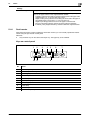
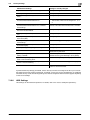
[Tray 3] is displayed when the Job Separator JS-603 is installed in the Finisher FS-527.
Shift Output Each Job
Yes
bizhub C652/C652DS/C552/C552DS/C452
7-4