1
5.1
Basic
5
Settings
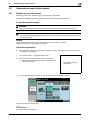
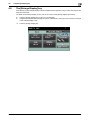
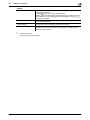
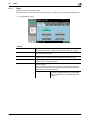
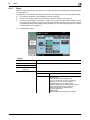
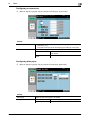
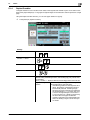
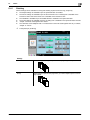
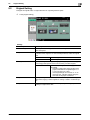
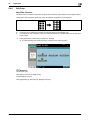
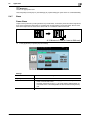
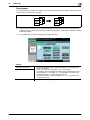
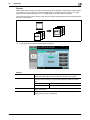
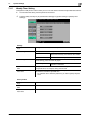
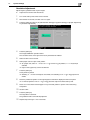
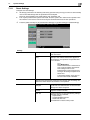
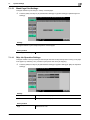
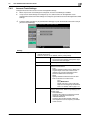
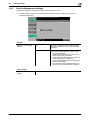
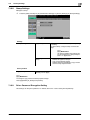
Position Setting
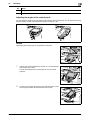
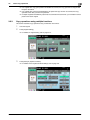
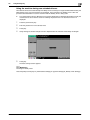
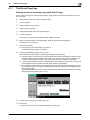
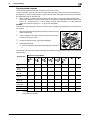
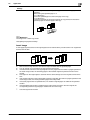
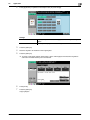
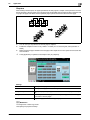
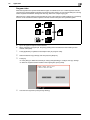
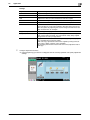
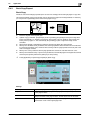
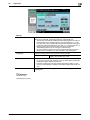
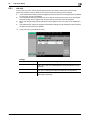
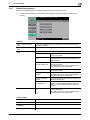
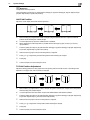
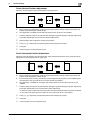
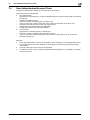
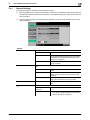
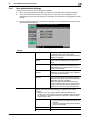
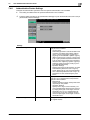
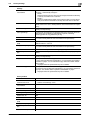
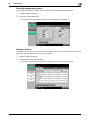
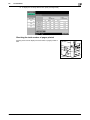
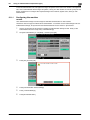
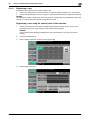
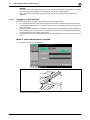
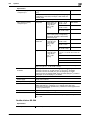
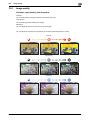
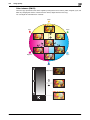
Configure desired staple or hole-punch positions.
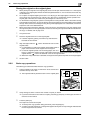
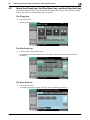
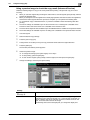
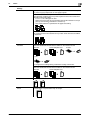
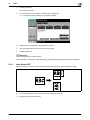
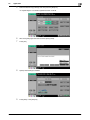
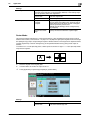
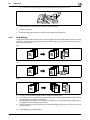
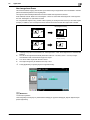
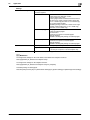
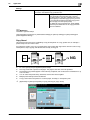
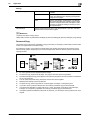
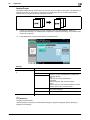
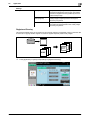
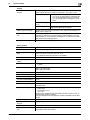
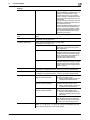
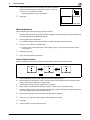
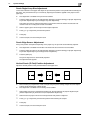
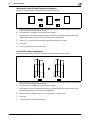
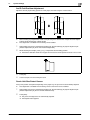
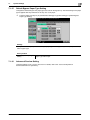
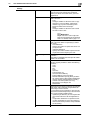
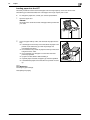
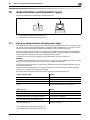
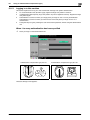
Select Auto, and the machine automatically judges the staple or punch positions for the paper relative to the original direction loaded.
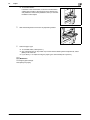
• A staple or hole-punch position is set along the long side of the paper if the
original length is 11-11/16 inch (297 mm) or less.
• Staple or hole-punch positions are set along the short side of the paper if
the original length is more than 11-11/16 inch (297 mm).
• Staple or punching positions are set on the upper or left-side end.
• Be sure to load the original so that its top side is placed in the back.
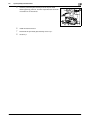
• If desired, press [Original Direction], and then select the original direction.
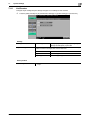
5.1.6
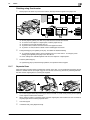
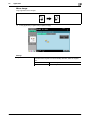
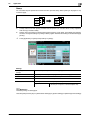
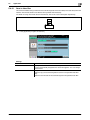
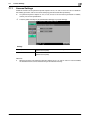
Post Inserter
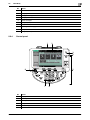
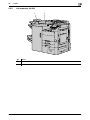
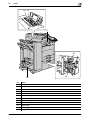
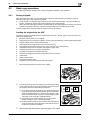
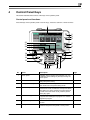
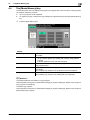
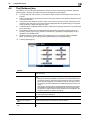
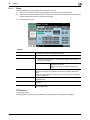
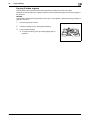
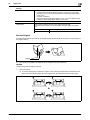
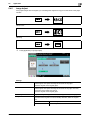
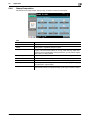
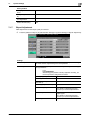
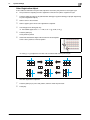
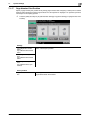
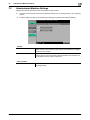
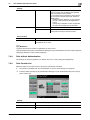
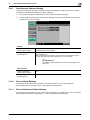
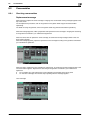
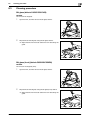
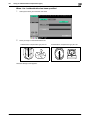
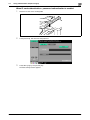
When the Post Inserter PI-505 is installed on the Finisher FS-526, you can manually operate the Finisher
FS-526 using the post inserter control panel.
Reference
Only the lower tray can be used as the output tray. The upper tray is not available.
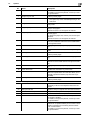
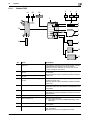
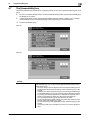
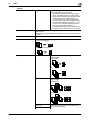
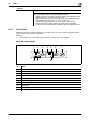
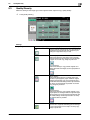
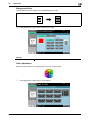
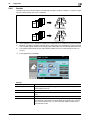
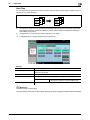
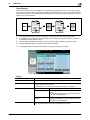
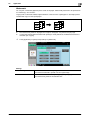
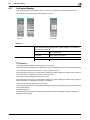
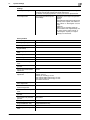
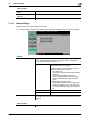
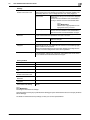
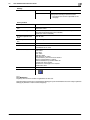
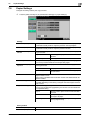
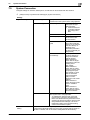
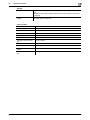
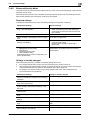
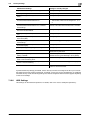
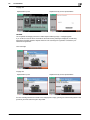
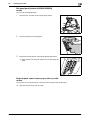
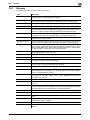
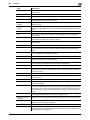
Keys on control panel
1
2
10
9
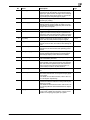
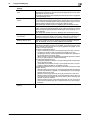
No.
Name
1
Corner staple lamp
2
Center staple & fold lamp
3
[Finishing] key
4
2-hole lamp
5
3-hole lamp
6
[Select punch] key
7
[Start/stop] key
8
4-hole lamp
9
Tri-fold lamp
10
2 position staple lamp
bizhub C652/C652DS/C552/C552DS/C452
3
4
5
6
7
8
5-12