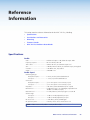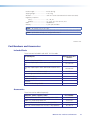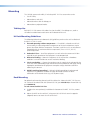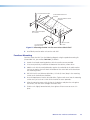
1
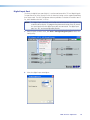
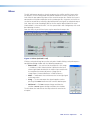
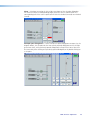
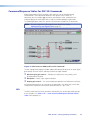
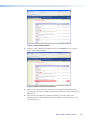
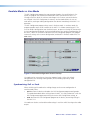
Figure 7. Filter Block Dialog Box
Additional filters are inserted by opening the filter block dialog box, then selecting a filter
type from the drop-down filter selection list. All filter parameters are modified via the Filter
block dialog box. Each filter loads with all applicable default parameters displayed to the
right of each drop-down filter selection list.
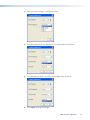
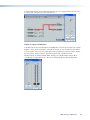
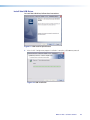
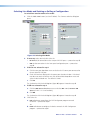
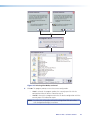
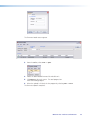
Figure 8. Filter Dialog Box, Filters Added
Within the dialog box, a filter is focused when a filter type is inserted, or is focused by
clicking the filter number to the left of the filter selection drop-down list.
MVC 121 Plus • Operation
19