1
Faxing
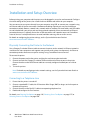
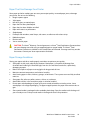
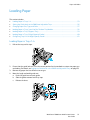
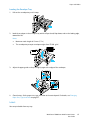
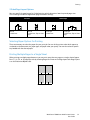
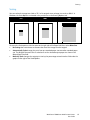
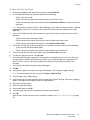
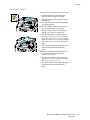
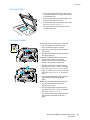
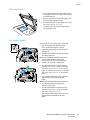
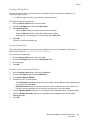
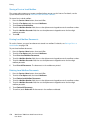
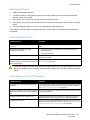
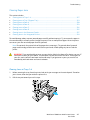
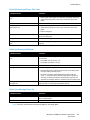
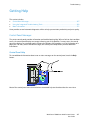
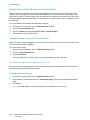
Document Glass
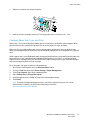
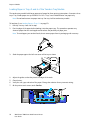
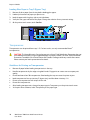
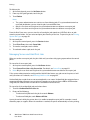
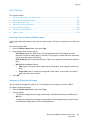
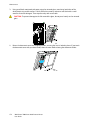
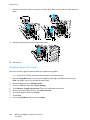
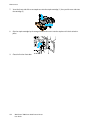
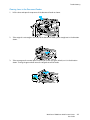
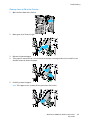
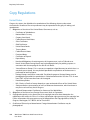
• Lift the document feeder cover and place the
first page face down in the upper left corner of
the document glass.
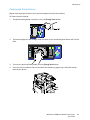
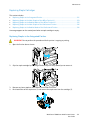
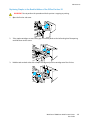
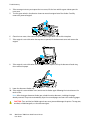
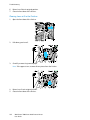
• Align the originals to the matching paper size
printed on the edge of the glass.
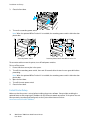
• The document glass accepts paper sizes up to
297 x 432 mm (11.7 x 17 in.).
• The document glass automatically detects
standard paper sizes.
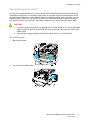
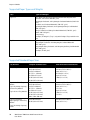
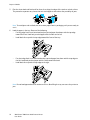
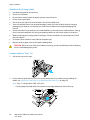
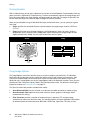
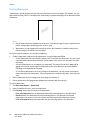
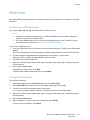
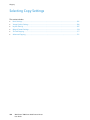
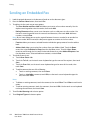
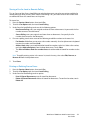
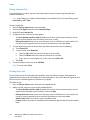
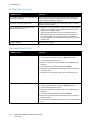
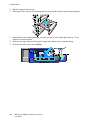
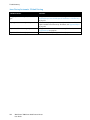
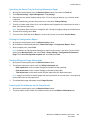
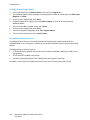
Document Feeder
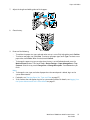
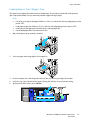
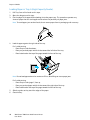
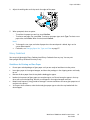
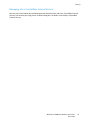
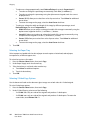
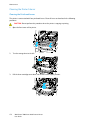
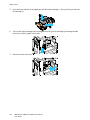
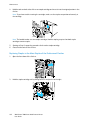
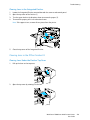
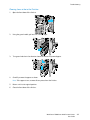
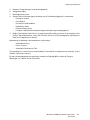
Insert originals face up, with page one on top.
• The confirmation indicator illuminates
when you load the originals correctly.
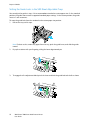
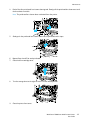
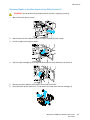
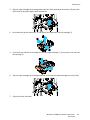
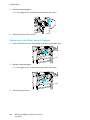
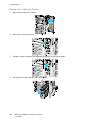
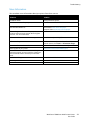
• Adjust the paper guides so they fit against
the originals.
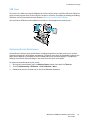
• The document feeder automatically detects
standard paper sizes.
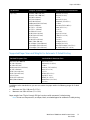
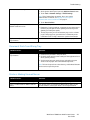
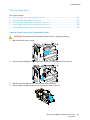
WorkCentre 7830/7835 Multifunction Printer:
• The document feeder accepts paper
weights 38–128 g/m² for 1-sided pages,
and 50–128 g/m² for 2-sided pages.
• The document feeder accepts paper sizes
from 85 x 125 mm (3.3 x 4.9 in.) through
297 x 432 mm (11.7 x 17 in.) for 1-sided
pages, and 110 x 125 (4.3 x 4.9 in.) through
297 x 432 mm (11.7 x 17 in.) for 2-sided
pages.
• The maximum document feeder capacity is
approximately 110 sheets of 80 g/m²
paper.
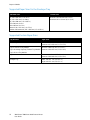
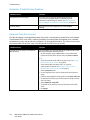
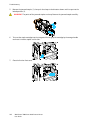
WorkCentre 7845/7855 Multifunction Printer:
• The document feeder accepts paper
weights 38–128 g/m².
• The document feeder accepts paper sizes
from 85 x 125 mm (3.3 x 4.9 in.) through
297 x 432 mm (11.7 x 17 in.).
• The maximum document feeder capacity is
approximately 130 sheets of 80 g/m²
paper.
WorkCentre 7800 Series Multifunction Printer
User Guide
143