1
Troubleshooting
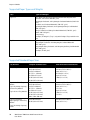
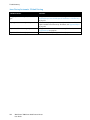
Problem
Solution
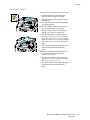
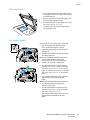
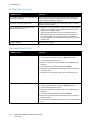
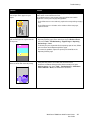
Smears, Smudges, and Streaks
Dark or light marks appear on your
output.
Run a print job consisting of several blank pages through the printer to
remove toner accumulated on the fuser.
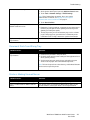
If the problem persists, print the test pages to help determine which
component is causing the image-quality problem.
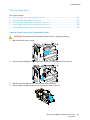
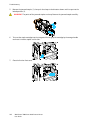
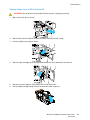
• If the defect occurs in one color only, replace the corresponding imaging
unit.
• If the defect occurs in all colors and is visible on all the test pages,
replace the fuser.
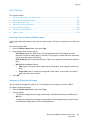
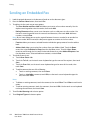
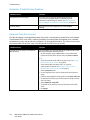
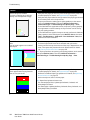
Repeating Spots or Lines
Spot or lines appear at regular intervals
on the prints.
1. To identify the part of the printer that is causing the problem, print the
Repeating Defects page. At the control panel, press Machine Status,
then touch Tools > Troubleshooting > Support Pages > Repeating
Defects Page > Print.
2. To identify the part responsible for the repeating spots or lines, follow
the instructions on the Repeating Defects page.
3. To correct the problem, replace the printer part identified on the
Repeating Defects page.
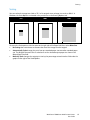
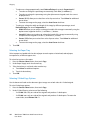
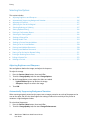
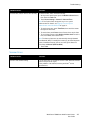
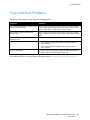
Colors Look Wrong
Colors are off or look drastically wrong.
1. Verify that the printer is on a solid, level, and flat surface.
2. Perform the Calibrate Color procedure. At the control panel, press
Machine Status, then touch Tools > Troubleshooting > Calibration >
Print Calibration > Next, then follow the instructions.
WorkCentre 7800 Series Multifunction Printer
User Guide
261