1
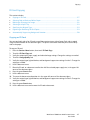
Troubleshooting
5.
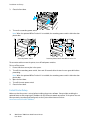
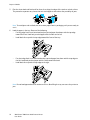
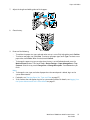
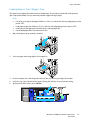
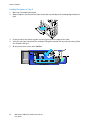
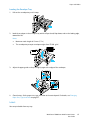
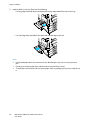
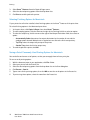
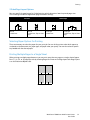
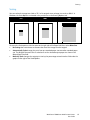
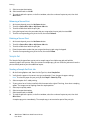
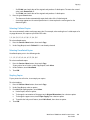
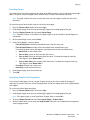
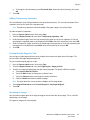
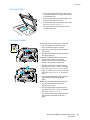
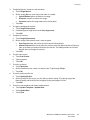
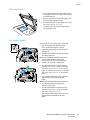
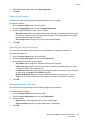
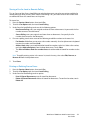
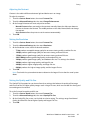
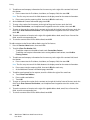
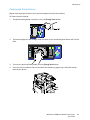
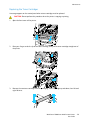
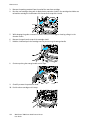
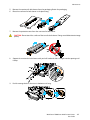
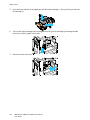
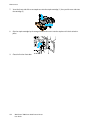
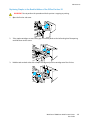
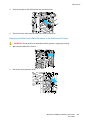
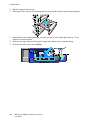
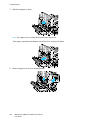
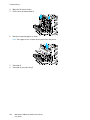
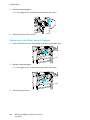
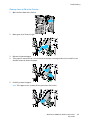
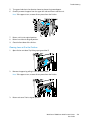
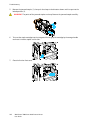
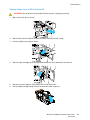
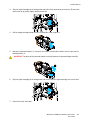
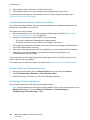
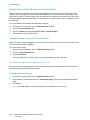
Hold the tabs on both sides of the new staple cartridge and insert it into the original position in the
finisher.
Note: If you have trouble inserting the cartridge, make sure the staples are positioned correctly in
the cartridge.
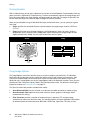
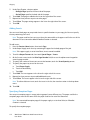
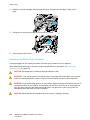
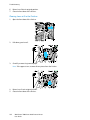
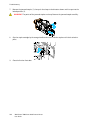
Note: The booklet maker uses two staple cartridges. Booklet stapling requires that both staple
cartridges contain staples.
6.
7.
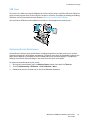
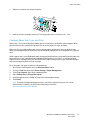
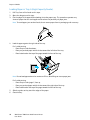
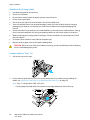
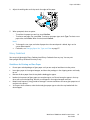
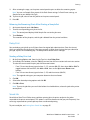
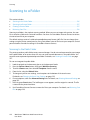
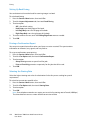
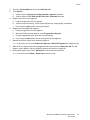
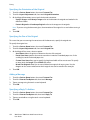
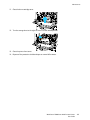
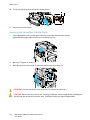
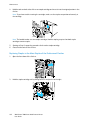
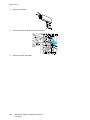
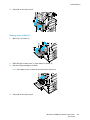
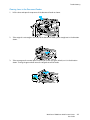
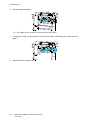
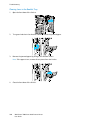
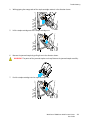
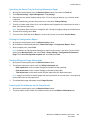
Starting at Step 2, repeat the procedure for the other staple cartridge.
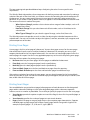
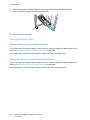
Close the side cover of the finisher.
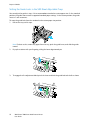
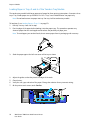
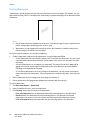
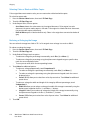
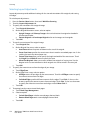
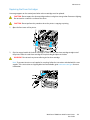
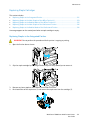
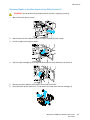
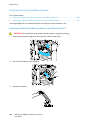
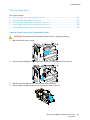
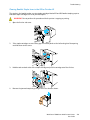
Clearing Main Staple Jams in the Professional Finisher
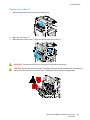
WARNING: Do not perform this procedure while the printer is copying or printing.
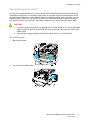
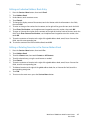
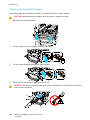
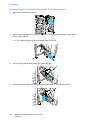
1.
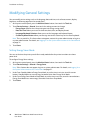
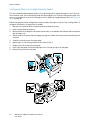
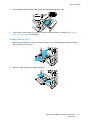
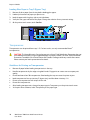
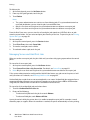
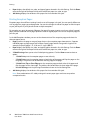
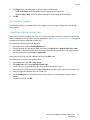
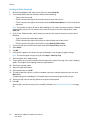
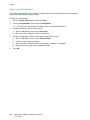
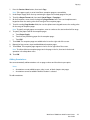
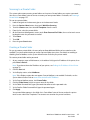
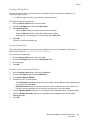
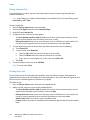
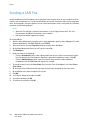
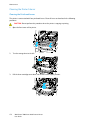
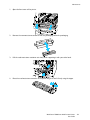
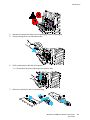
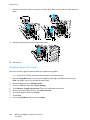
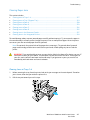
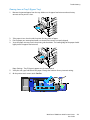
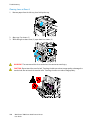
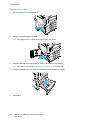
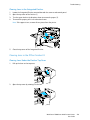
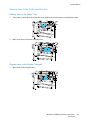
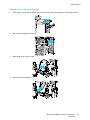
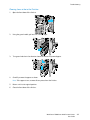
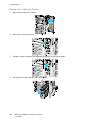
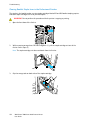
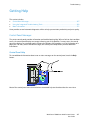
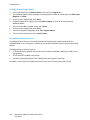
Open the front door of the finisher.
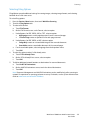
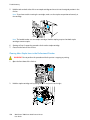
2.
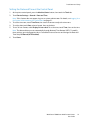
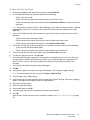
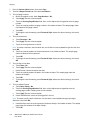
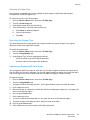
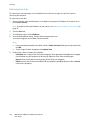
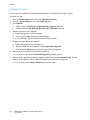
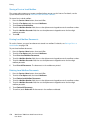
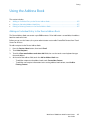
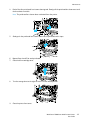
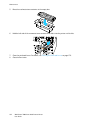
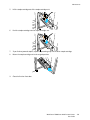
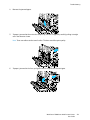
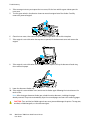
Hold the staple cartridge unit by orange lever R1 and push it to the right.
250
WorkCentre 7800 Series Multifunction Printer
User Guide