1
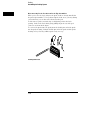
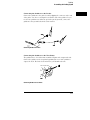
Using the Mouse and the Optional Keyboard
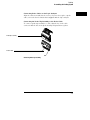
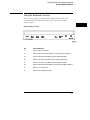
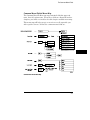
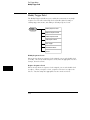
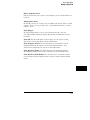
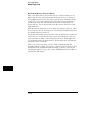
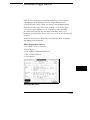
Using the Keyboard Overlays
Using the Keyboard Overlays
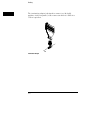
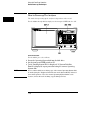
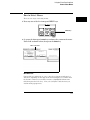
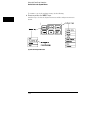
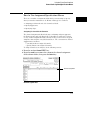
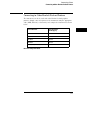
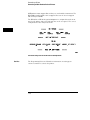
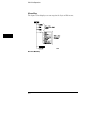
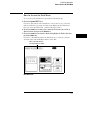
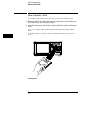
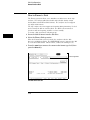
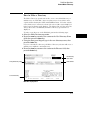
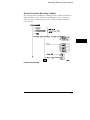
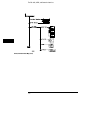
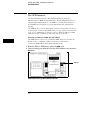
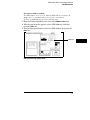
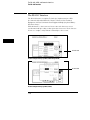
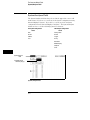
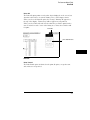
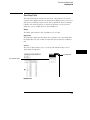
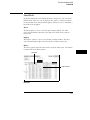
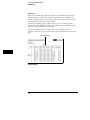
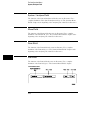
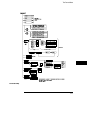
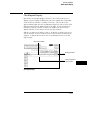
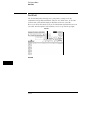
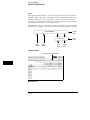
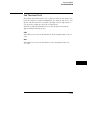
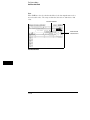
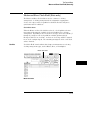
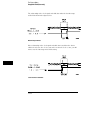
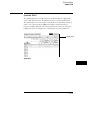
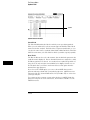
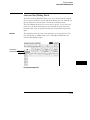
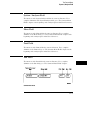
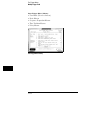
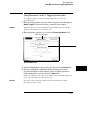
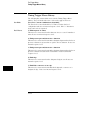
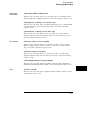
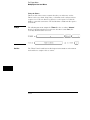
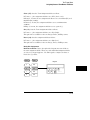
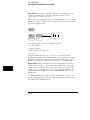
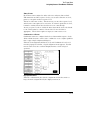
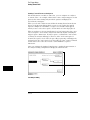
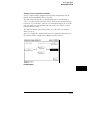
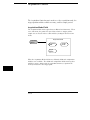
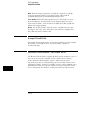
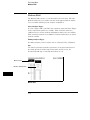
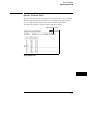
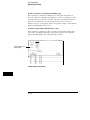
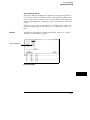
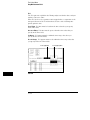
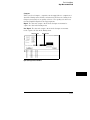
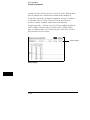
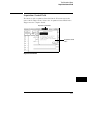
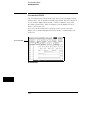
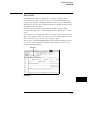
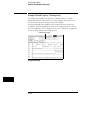
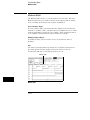
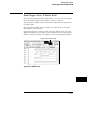
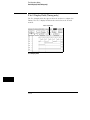
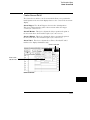
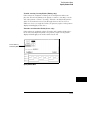
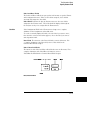
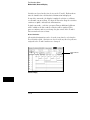
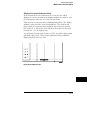
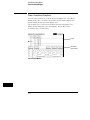
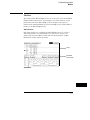
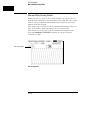
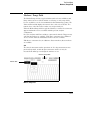
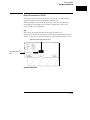
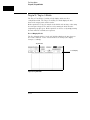
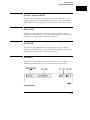
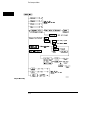
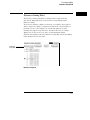
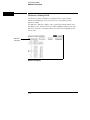
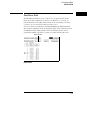
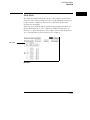
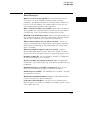
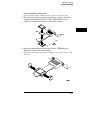
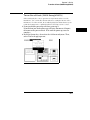
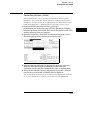
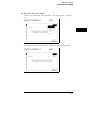
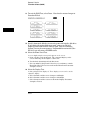
Two keyboard overlays are included in the E2427A Keyboard Kit. The
overlays shown below redefine functions of the function keys and the
numeric keypad.
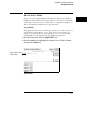
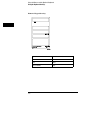
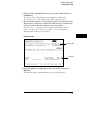
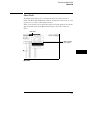
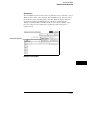
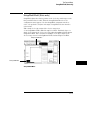
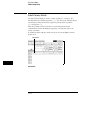
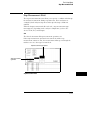
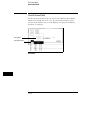
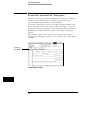
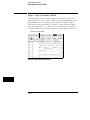
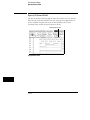
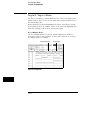
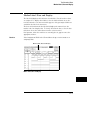
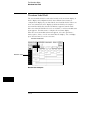
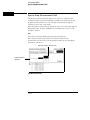
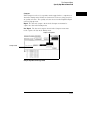
Function Key Overlay
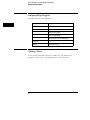
Key
Function Performed
F1
Selects System subset menus
F2
Selects the Analyzer Configuration Menu (ignore Scope Channel Menu)
F3
Selects the Analyzer Format Menu (ignore Scope Display Menu)
F4
Selects the Analyzer Trigger Menu (ignore Scope Trigger Menu)
F5
Selects the Analyzer Listing Menu (ignore Scope Marker Menu)
F6
Selects the Analyzer Waveform Menu (ignore Scope Auto-Measure Menu)
F7
Selects the Print All function
F8
Selects the Run Repetitive function
4–5