1
Flight Plan Functions
ENT
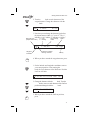
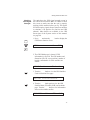
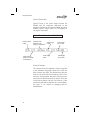
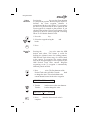
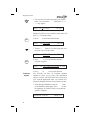
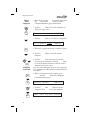
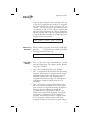
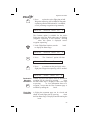
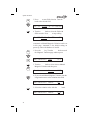
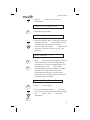
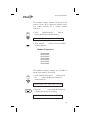
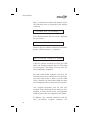
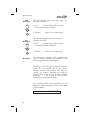
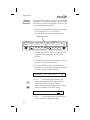
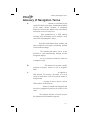
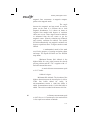
3. Press ENT to place the active flight plan on hold.
Waypoint sequencing will be inhibited. Waypoint
sequencing remains inhibited until it is reenabled,
even if you change waypoints or legs manually.
*Active*
Holding
Y
Dest: PDT
Continue
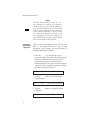
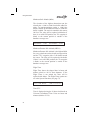
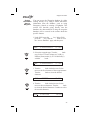
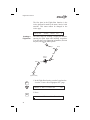
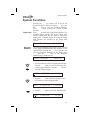
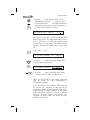
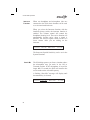
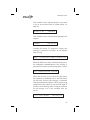
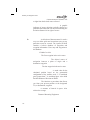
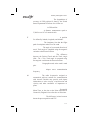
The Continue option is available for the Active
flight plan when the flight plan status is Holding
(waypoint sequencing is not allowed). Pressing
ENT when this option is displayed renews
waypoint sequencing.
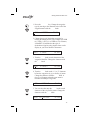
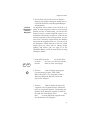
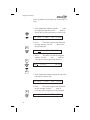
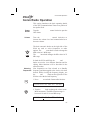
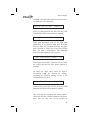
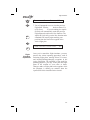
1. In the Flight Plan function, turn the Large knob
to display the Name Page.
*Active*
SEL
INFO
Flight Plan
Comments
259nm
Continue?
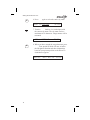
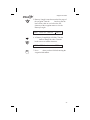
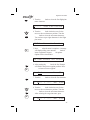
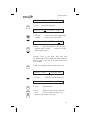
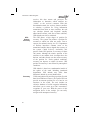
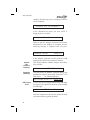
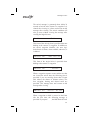
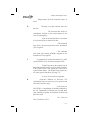
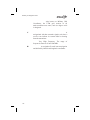
3. Press ENT to continue on the previously active
flight plan. Waypoint sequencing will be enabled.
*Active*
Destination
Waypoint
Information
Y
Dest: PDT
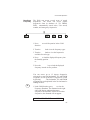
2. Press SEL. The “Continue?” option will flash.
*Active*
ENT
Holding
259nm
Dest: PDT
Y
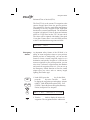
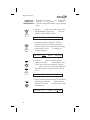
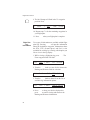
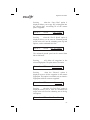
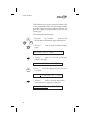
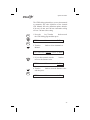
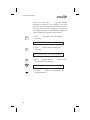
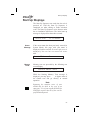
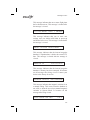
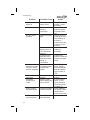
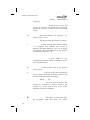
Normal waypoint information about the destination
waypoint can be viewed by pressing INFO when
the Plan Name Page is displayed. This is the same
as pressing INFO to view information about a To
waypoint, except that the Plan Comment page is
available by turning the Large knob.
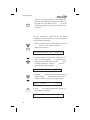
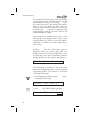
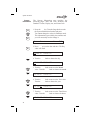
A flight plan comment page can be viewed and
edited for each flight plan by pressing INFO when
the Plan Name Page is displayed and the turning the
Large knob.
59