1
Comm Radio Operation
Recalling a
Frequency
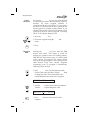
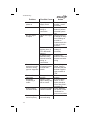
The SL60 can access several areas of stored
frequencies. The SL60 can access airport
frequencies from its database of: TO, FROM,
INFO, automatically stored active, User stored,
weather, and emergency frequencies.
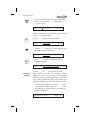
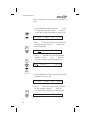
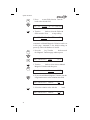
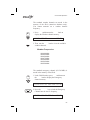
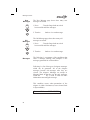
1. Press SEL to recall frequencies in the COM
function.
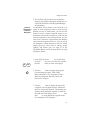
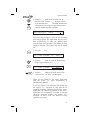
2. Turn the Large knob view the frequency types.
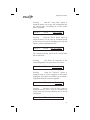
3. Turn the Small knob to view the frequencies
available for each type.
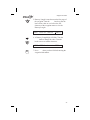
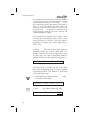
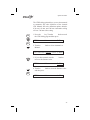
4. Press ENT to load the displayed frequency into
the Standby position.
or
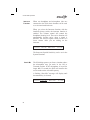
5. Press the Flip/Flop key to load the displayed
frequency into the Active position.
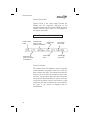
Dest, TO, FROM, and INFO Frequency
Database
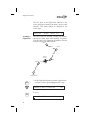
You can access up to 15 airport frequencies
referenced to your final destination, TO, and FROM
waypoints, as well as the last 15 frequencies viewed
by pressing INFO. The destination, TO, and FROM
waypoints are not duplicated in the list and must be
landing facilities.
SEL
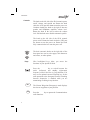
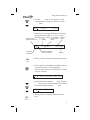
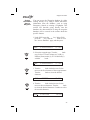
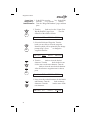
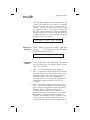
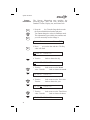
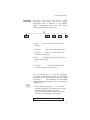
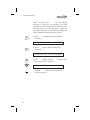
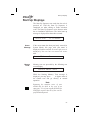
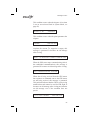
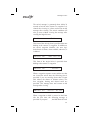
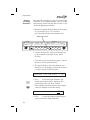
1. In the COM function, press SEL to view the
Frequency Database. The diamond on the right
side of the display indicates that more
frequencies are available. If there are no other
frequencies, the diamond will not appear.
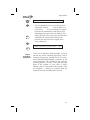
119.80 s121.30
SLE twr
119.10Y
85