1
Getting Connected and Installing Drivers (Windows)
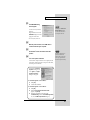
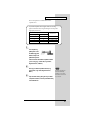
fig.05-14e_30
6
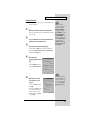
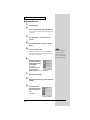
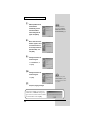
Open the SETUPINF
dialog box.
You are now ready to install
the driver.
Drag the title bar to move the
SETUPINF dialog box into
the upper part of the screen.
If a message of “The driver is
already installed” appears,
you can connect the UA-5 to
your computer and use it.
* Do not click [OK] at this time.
7
8
9
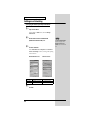
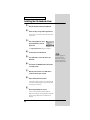
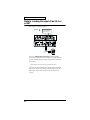
With the power turned off, use a USB cable to
connect the UA-5 to your computer.
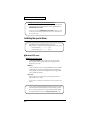
Set the UA-5’s mode select switch to the ON
position.
This unit is equipped with a
protection circuit. A brief
interval (a few seconds) after
power up is required before
the unit will operate normally.
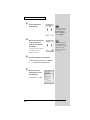
Turn on the power of the UA-5.
Connect the AC adaptor to the UA-5's AC adaptor jack, and
insert the AC adaptor's plug into an AC power outlet. Then,
turn on the power of the UA-5.
10
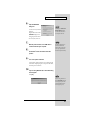
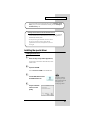
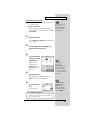
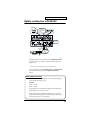
If you are using Windows 98, an Insert disk dialog
box will appear.
Click [OK].
fig.05-15e_30
If you are using Windows 98
and the Insert disk dialog box
dose not appear, please read
"The 'Insert Disk' dialog box
does not appear" (p. 55).
23