1
5
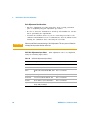
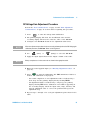
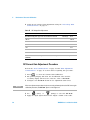
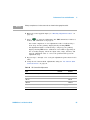
Disassembly and Repair
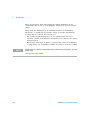
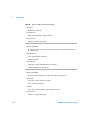
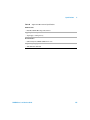
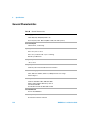
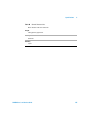
Operating Checklist
Before returning your multimeter to Agilent for service or repair check the
following items:
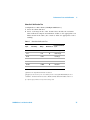
Is the multimeter inoperative?
q Verify the power line voltage setting.
q Verify the power line fuse is installed.
q Verify that the power cord is connected to the multimeter and to AC
line power.
q Verify the front panel power switch is depressed.
See page 109
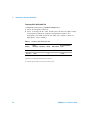
Does the multimeter fail self–test?
q Remove all test connections to the multimeter and run the self–test
again.
Errors may be induced by AC signals present on the multimeter
input terminals during self–test. Long test leads can act as an
antenna causing pick–up of AC signals.
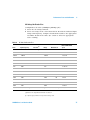
Is the mutimeter’s current input inoperative?
q Verify the current input fuse.
106
34405A User’s and Service Guide