1
Chapter 2
Device View
What is in This Chapter
This chapter provides a description of the Device View for the NBR-620
Management Module, including a description of how to use the Interface,
Physical, and Chassis Device Views.
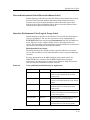
¥ The Chassis View displays a logical view of the NBR-620 device and its
interfaces. From this view you can access performance, conÞguration, and
status information about the bridge, ethernet and BRIM ports.
¥ The Interface View displays a logical view of the NBR-620Õs interfaces and
provides access to information on their performance, status, and
conÞguration.
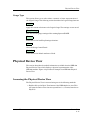
¥ The Physical View displays a physical representation of the device. This
view provides access to module information only.
Chassis Device View
This section describes the information available from the NBR-620 Chassis
Device View.
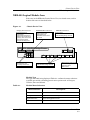
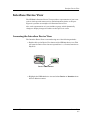
The Chassis Device ViewÕs representation of the NBR-620 includes smaller
icons representing the ports and applications of the NBR-620. These port and
application representations provide access to detailed information about the
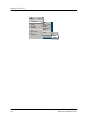
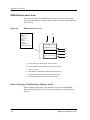
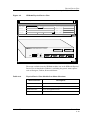
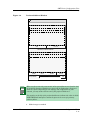
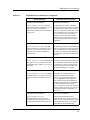
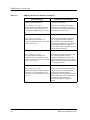
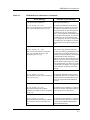
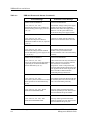
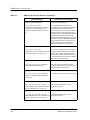
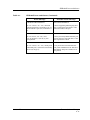
module, the repeater stack, bridging, and the ports. Figure 2-1 displays a
detail view of the NBR-620 Chassis (Logical) Device ViewÕs logical module
representation and the menu selections available by clicking the right mouse
button on each zone of the module.
9031240 E5
2-1