1
2342.book Page 131 Thursday, July 22, 2004 8:35 AM
Creating and Using Templates
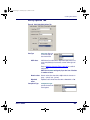
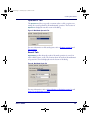
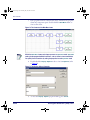
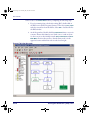
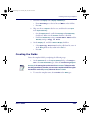
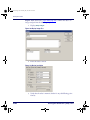
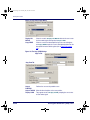
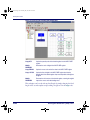
7. Select the new Display node (Display: How Many?).’
•
Enter How Many? on the 1st line and Menu on the 4th line.
•
Press OK.
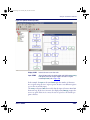
8. Skip over the two Output nodes for now, and select the new Input
node (Input: Quantity).
•
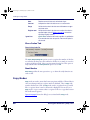
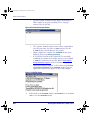
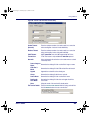
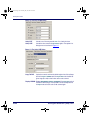
On the Input From tab, enable the Data Key and Function Key
checkboxes. Make sure the Scanner checkbox is disabled.
•
Link the Function Key setting to Frame Main Menu and the
Data Key setting to Copy to File.
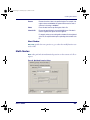
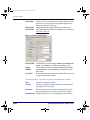
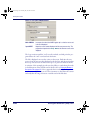
9. On the Display tab, enable the Echo to Display checkbox.
•
Select Specify Position from the pull-down list, enter 1
in the Row pull-down list, and 0 in the Col box.
•
Press OK.
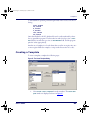
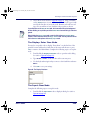
Creating the Fields
Create the template fields by completing the following steps:
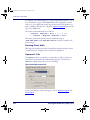
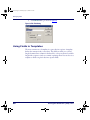
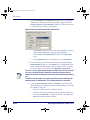
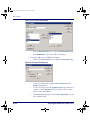
1. On the Store Info tab on the Input: Quantity dialog, select Register as the Data Destination type. Select the Inventory Register.
Inventory is the same register used to store the item number. To keep one value
from being overwritten by the other, you can create a template to divide the register
into two fields: one for the quantity and one for the item number.
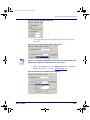
2. To create the template name, select Field as the Write type.
User’s Guide
131