1
2342.book Page 132 Thursday, July 22, 2004 8:35 AM
PPG Tutorial
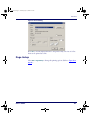
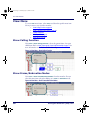
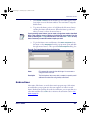
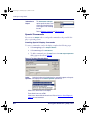
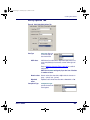
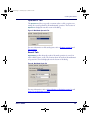
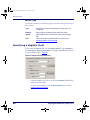
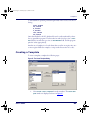
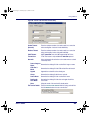
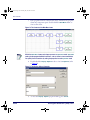
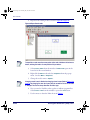
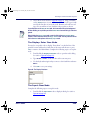
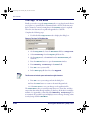
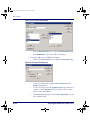
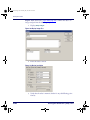
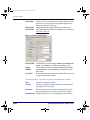
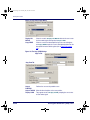
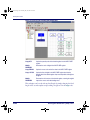
Figure 102. The Create Template Dialog
•
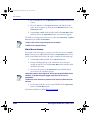
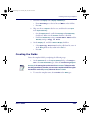
Press the New Template button to open a Create Template dialog.
•
Enter Combine for the name of the new template.
3. Create the field names and define their lengths.
•
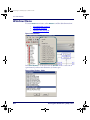
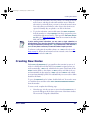
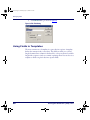
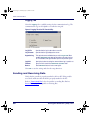
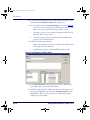
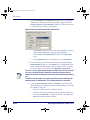
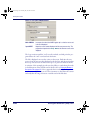
Click on the Create Field button to display a Create Field dialog.
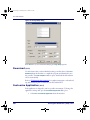
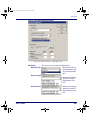
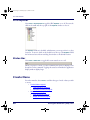
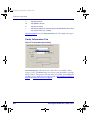
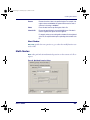
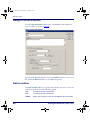
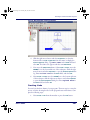
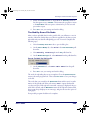
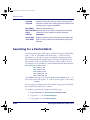
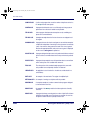
Figure 103. The Define Field Dialog Box
132
•
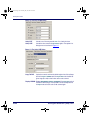
Define two fields for this template: Item and Quantity. Enter
Item in the Field box.
•
To allow any length, select the Variable Length option and enter a
comma (,) in the Delimiter field. This separates the two values
with a comma. Press Done.
•
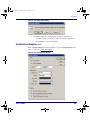
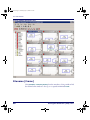
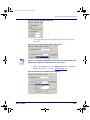
The Item field should appear on the Create Template dialog in the
list of available fields.
PT Program Generator (PPG) v5.0