1
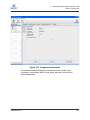
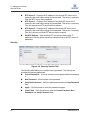
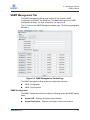
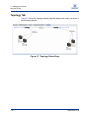
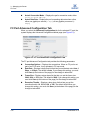
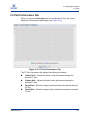
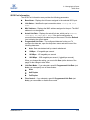
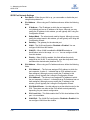
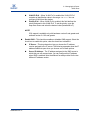
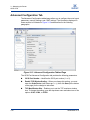
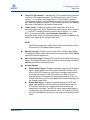
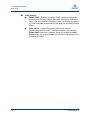
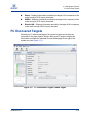
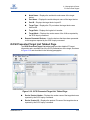
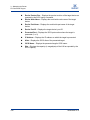
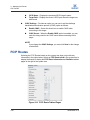
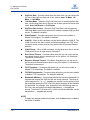
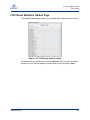
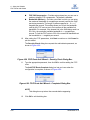
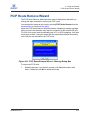
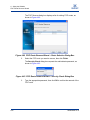
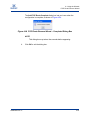
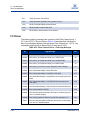
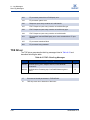
S 3 – Managing the Router FCIP Routes iSCSI Name – Displays the presented iSCSI target’s name. Target Path – Displays the router’s iSCSI port where the target was discovered. CHAP Settings – Provides an option you can use to set the challenge handshake authentication protocol (CHAP) option as follows: Enable CHAP – Select this check box to enable CHAP when connecting to this target. CHAP Secret – When the Enable CHAP option is enabled, you can enter the string used for the CHAP secret when connecting to this target. NOTE: If you change the CHAP Settings, you must click Save for the change to take effect. FCIP Routes Selecting the FCIP Routes branch on the system tree does not provide any information in the right window. Select an FCIP Route Info # in the system tree to display the branch to display the FCIP Route Information and Statistics tabbed pages to the right of the system tree. Figure 3-21 FCIP Route Tabbed Pages 3-30 SN0054660-00 A