1
BLADEOS 6.5.2 Application Guide
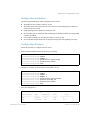
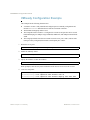
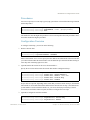
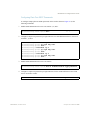
Configuring the SCP Administrator Password
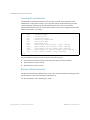
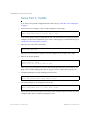
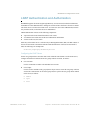
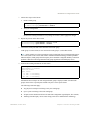
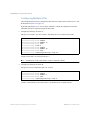
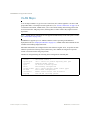
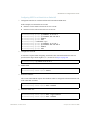
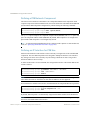
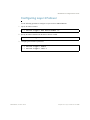
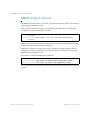
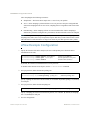
To configure the SCP-only administrator password, enter the following command (the default
password is admin):
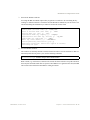
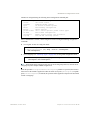
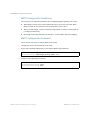
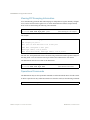
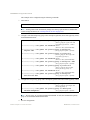
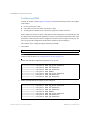
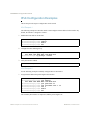
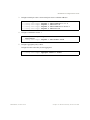
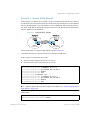
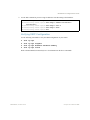
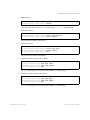
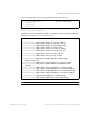
RS G8124(config)# [no] ssh scp-password
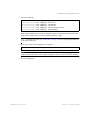
Changing SCP-only Administrator password; validation required...
Enter current administrator password: <password>
Enter new SCP-only administrator password: <new password>
Re-enter new SCP-only administrator password: <new password>
New SCP-only administrator password accepted.
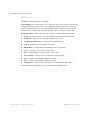
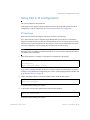
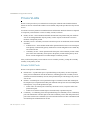
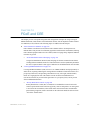
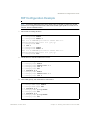
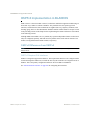
Using SSH and SCP Client Commands
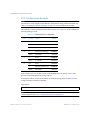
This section shows the format for using some client commands. The examples below use
205.178.15.157 as the IP address of a sample switch.
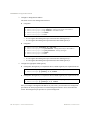
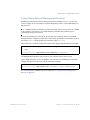
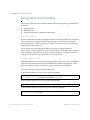
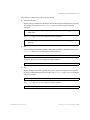
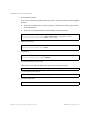
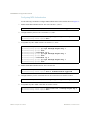
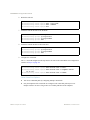
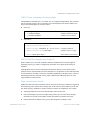
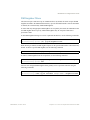
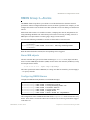
To Log In to the Switch
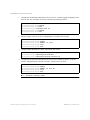
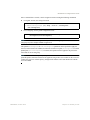
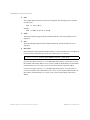
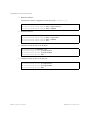
Syntax:
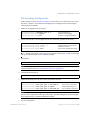
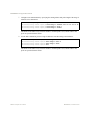
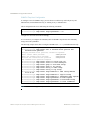
>> ssh [-4|-6] <switch IP address>
-or>> ssh [-4|-6] <login name>@<switch IP address>
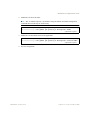
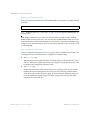
Note – The -4 option (the default) specifies that an IPv4 switch address will be used. The -6
option specifies IPv6.
Example:
>> ssh [email protected]
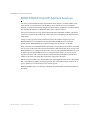
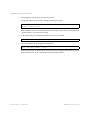
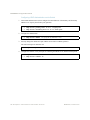
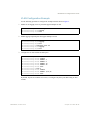
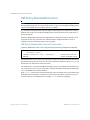
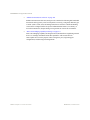
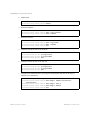
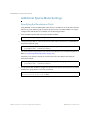
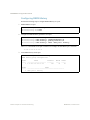
To Copy the Switch Configuration File to the SCP Host
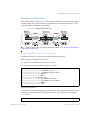
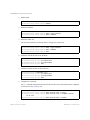
Syntax:
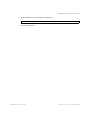
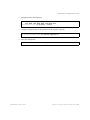
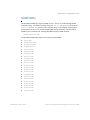
>> scp [-4|-6] <username>@<switch IP address>:getcfg <local filename>
Example:
>> scp [email protected]:getcfg ad4.cfg
BMD00220, October 2010
Chapter 3: Securing Administration 57