1
Dimension ES-3024 Ethernet Switch
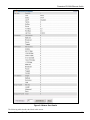
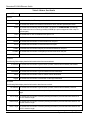
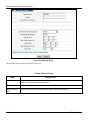
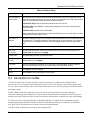
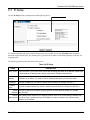
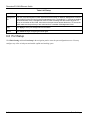
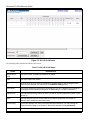
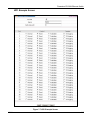
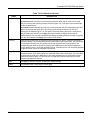
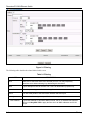
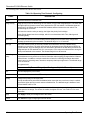
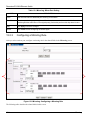
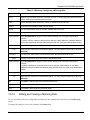
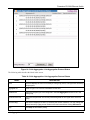
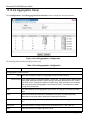
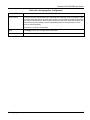
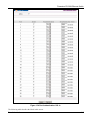
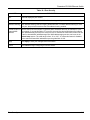
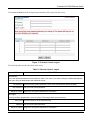
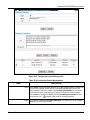
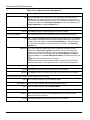
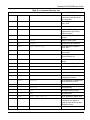
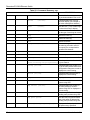
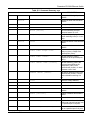
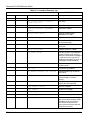
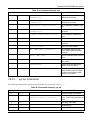
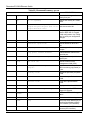
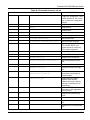
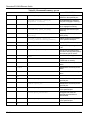
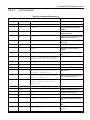
The following table describes the labels in this screen.
Table 7-4 802.1Q Static VLAN
LABEL
DESCRIPTION
Active
Select this check box to enable the VLAN.
Name
Enter a descriptive name for this VLAN group for identification purposes.
VLAN Group ID Enter the VLAN ID for this static VLAN entry; the valid range is between 1 and 4094.
Port
The port number identifies the port you are configuring. Ports 25 and 26 are the uplink ports. S1
and S2 are the stacking ports.
Control
Select Normal for the port to dynamically join this VLAN group using GVRP. This is the default
selection.
Select Fixed for the port to be a permanent member of this VLAN group.
Select Forbidden if you want to prohibit the port from joining this VLAN group.
Tagging
Select TX Tagging if you want the port to tag all outgoing frames transmitted with this VLAN
Group ID.
Add
Click Add to save the new rule to the switch. It then displays in the summary table at the bottom
of the screen.
Cancel
Click Cancel to reset the fields to your previous configuration.
Clear
Click Clear to clear the fields to the factory defaults.
7.2.3
Viewing and Editing VLAN Settings
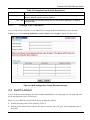
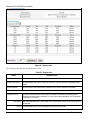
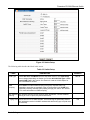
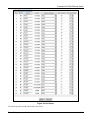
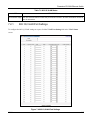
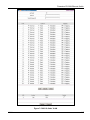
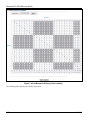
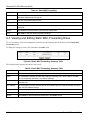
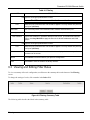
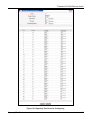
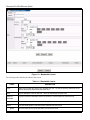
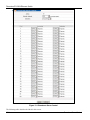
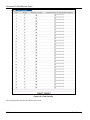
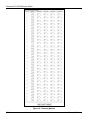
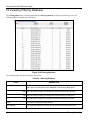
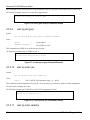
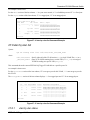
To view a summary of the VLAN configuration, scroll down to the summary table at the bottom of the Static
VLAN screen.
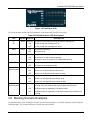
To change the settings of a rule, click a number in the VID field.
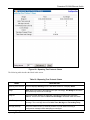
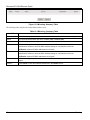
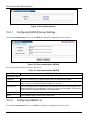
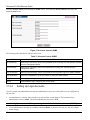
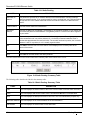
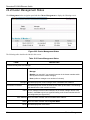
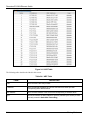
Figure 7-6 Static VLAN: Summary Table
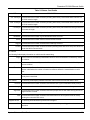
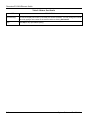
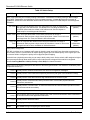
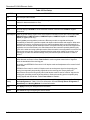
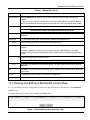
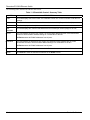
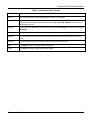
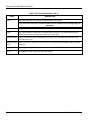
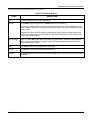
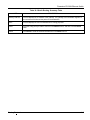
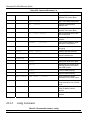
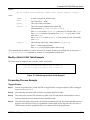
The following table describes the labels in this screen.
Table 7-5 Static VLAN: Summary Table
LABEL
DESCRIPTION
VID
This field displays the ID number of the VLAN group. Click the number to edit the VLAN settings.
Active
This field indicates whether the VLAN settings are enabled (Yes) or disabled (No).
Name
This field displays the descriptive name for this VLAN group.
Delete
Click Delete to remove the selected entry from the summary table.
Cancel
Click Cancel to clear the Delete check boxes.
7-8
VLAN