1
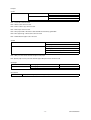
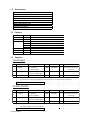
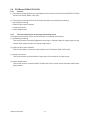
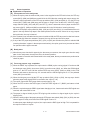
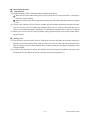
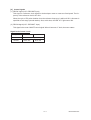
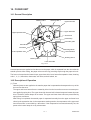
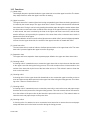
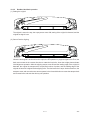
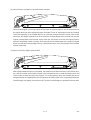
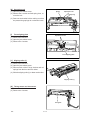
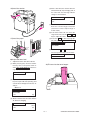
B-2) ADD TONER (
)
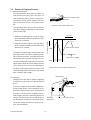
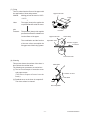
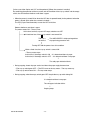
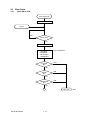
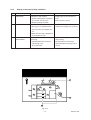
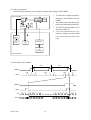
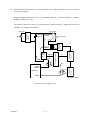
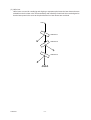
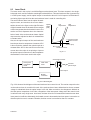
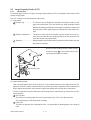
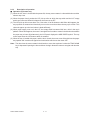
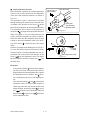
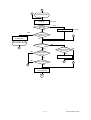
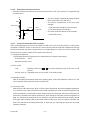
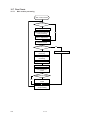
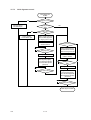
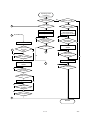
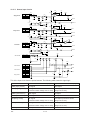
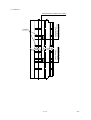
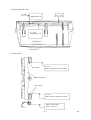
Toner density has become low
↓
Toner empty detection: Auto-toner sensor
↓
Control circuit: f the ADD TONER symbol appears: copying is not possible
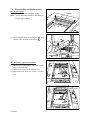
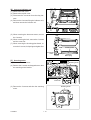
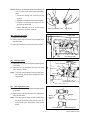
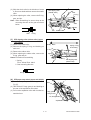
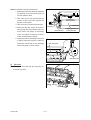
Clearing method: Open the toner supply cover and supply toner from the toner cartridge.
Toner supply operation: copying is possible
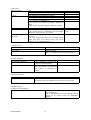
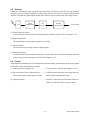
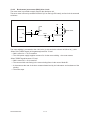
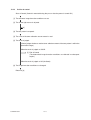
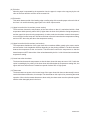
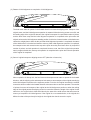
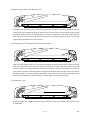
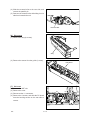
B-3) REPLACE TONER BAG (
)
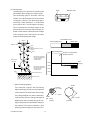
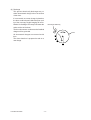
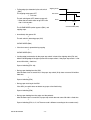
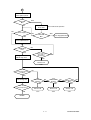
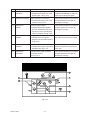
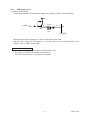
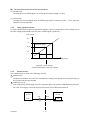
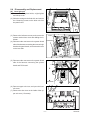
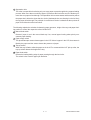
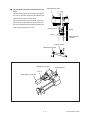
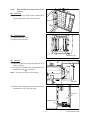
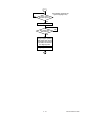
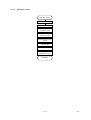
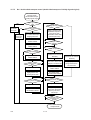
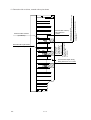
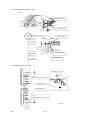
The toner bag becomes full of toner
↓
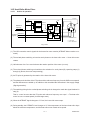
The toner bag tilts due to its own weight: the toner-full switch will be turned ON.
↓
REPLACE TONER BAG display
• When the toner-full switch comes ON during copying
↓
Copying will stop after the last sheet has exited during copying
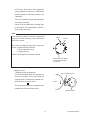
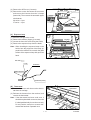
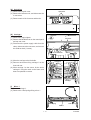
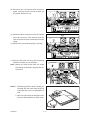
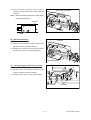
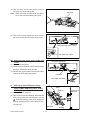
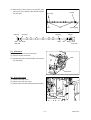
Clearing method: Replace with a new toner bag.
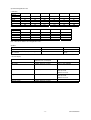
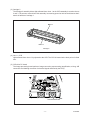
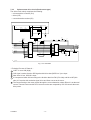
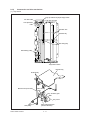
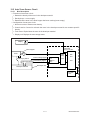
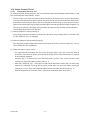
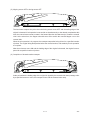
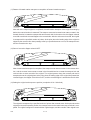
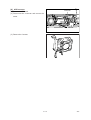
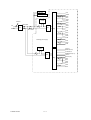
B-4) Developer unit misloading
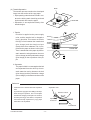
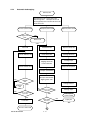
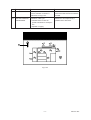
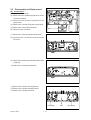
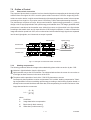
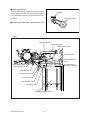
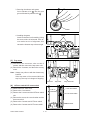
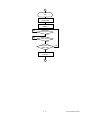
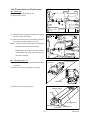
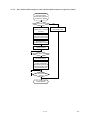
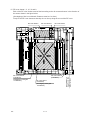
Disconnection of the developer unit.
↓
Developer unit loading abnormal is displayed.
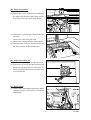
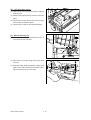
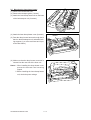
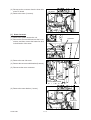
Clearing method: Connect the developer unit connector and close the front cover.
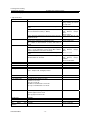
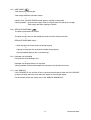
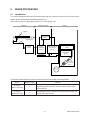
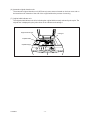
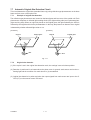
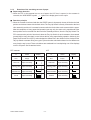
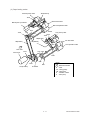
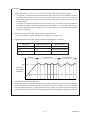
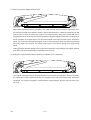
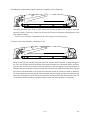
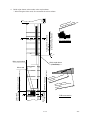
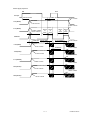
C-1) CALL SERVICE
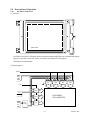
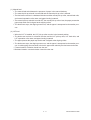
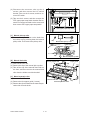
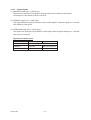
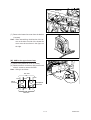
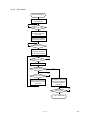
If the CLEAR/STOP key and the “8” key are pressed simultaneously when the CALL SERVICE
symbol is flashing, one of the error codes will appear on the message display.
For the contents of the error codes, refer to the “SERVICE HANDBOOK”.
4-9
COPIER OPERATION