1
IP Phone Administrator Guide
Operational, Basic, and Advanced Parameters
Appendix A
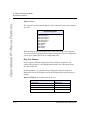
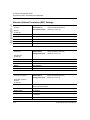
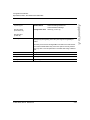
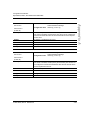
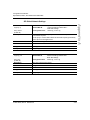
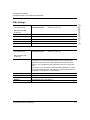
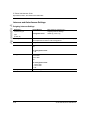
Directory Settings
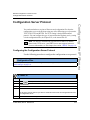
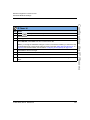
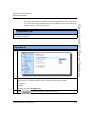
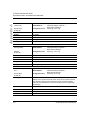
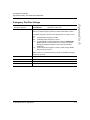
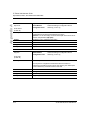
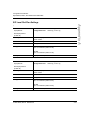
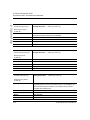
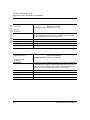
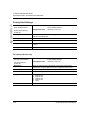
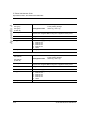
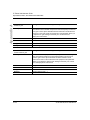
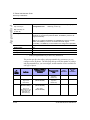
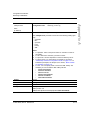
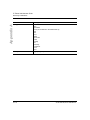
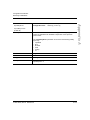
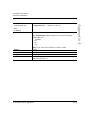
Parameter –
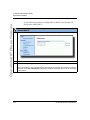
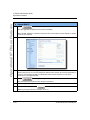
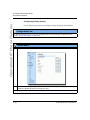
directory 1
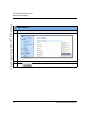
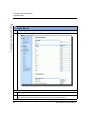
Aastra Web UI
Configuration Files
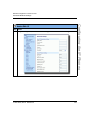
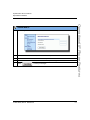
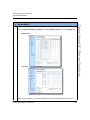
Operation->Directory
aastra.cfg, <mac>.cfg
Directory List
(in Web UI)
Description
The name of a directory list that you can download from the configuration
server.
Format
Alphanumeric characters
Default Value
Not Applicable
Range
Not Applicable
Example
directory 1: companylist.csv
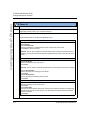
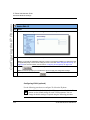
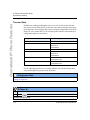
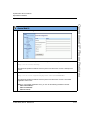
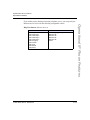
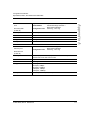
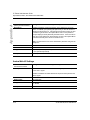
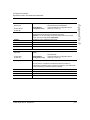
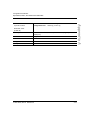
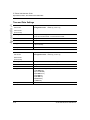
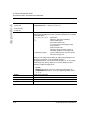
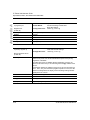
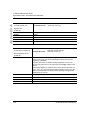
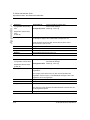
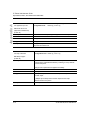
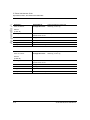
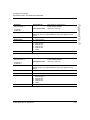
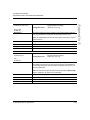
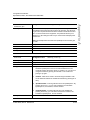
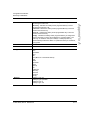
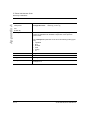
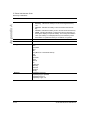
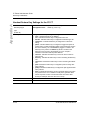
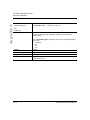
Parameter –
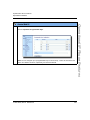
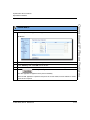
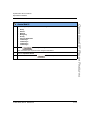
directory 2
Aastra Web UI
Configuration Files
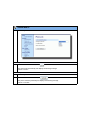
Operation->Directory
aastra.cfg, <mac>.cfg
Directory List
(in Web UI)
Description
The name of a directory list that you can download from the configuration
server.
Format
Alphanumeric characters
Default Value
Not Applicable
Range
Not Applicable
Example
directory 2: personallist.csv
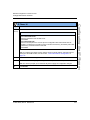
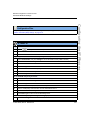
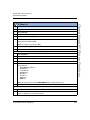
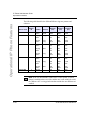
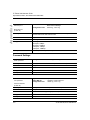
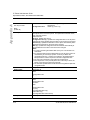
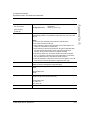
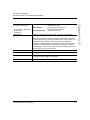
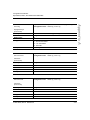
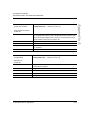
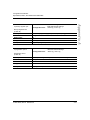
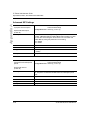
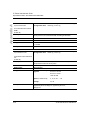
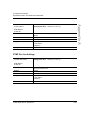
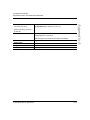
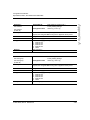
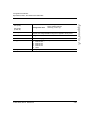
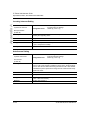
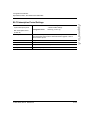
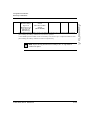
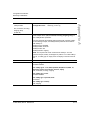
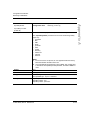
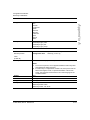
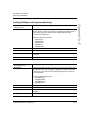
Parameter –
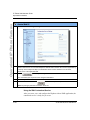
directory disabled
Configuration Files
Description
Enables or disables the Directory on the IP phone.
If this parameter is set to 0, users can access the Directory List via the IP
phone UI. If this parameter is set to 1, the Directory List does not display
on the IP phone and the Directory key is disabled. On the 57i and 57i CT
the "Directory" option is also removed from the "Services" menu.
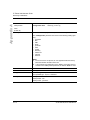
Format
Boolean
Default Value
0 (false)
Range
0 (false), 1 (true)
Example
directory disabled: 1
A-68
aastra.cfg, <mac>.cfg
41-001160-00, Rev 01 Release 2.0