1
IP Phone Administrator Guide
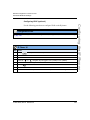
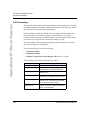
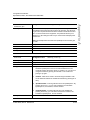
Administrator Level Options
Administrator Options
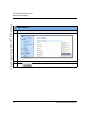
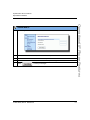
Aastra Web UI Options
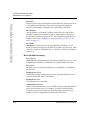
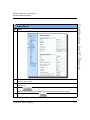
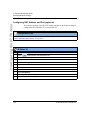
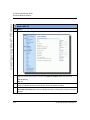
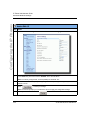
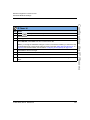
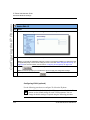
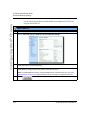
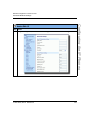
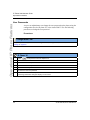
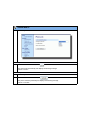
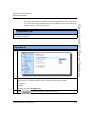
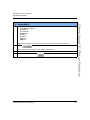
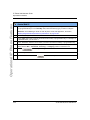
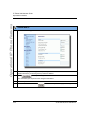
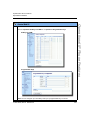
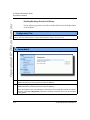
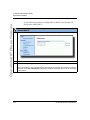
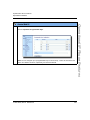
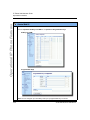
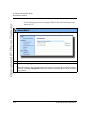
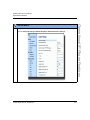
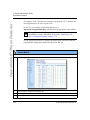
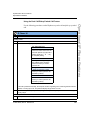
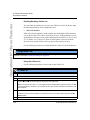
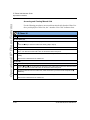
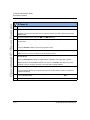
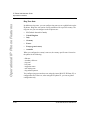
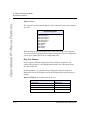
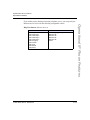
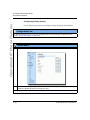
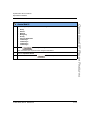
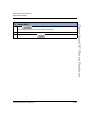
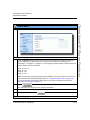
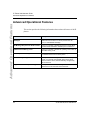
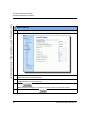
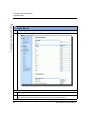
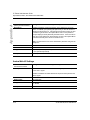
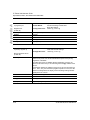
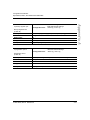
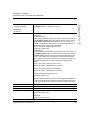
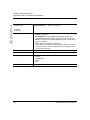
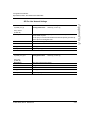
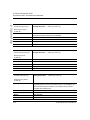
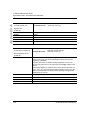
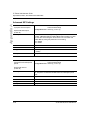
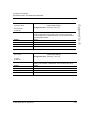
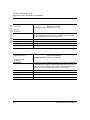
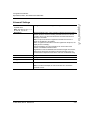
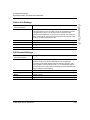
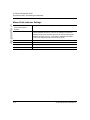
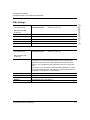
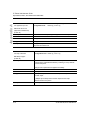
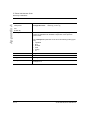
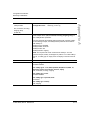
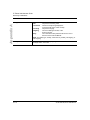
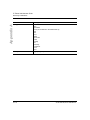
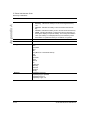
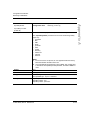
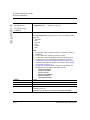
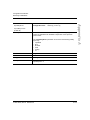
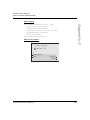
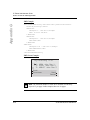
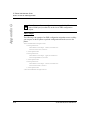
The following are administrator options in the Aastra Web UI:
•
Restore to Factory Defaults
•
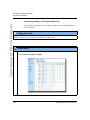
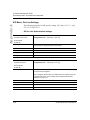
Basic Settings (Local Dial Plan, Dial PlanTerminator, Digit Timeout,
Outgoing Intercom Settings, Key Mapping, Ring Tones, Priority Alert,
Directed Call Pickup)
•
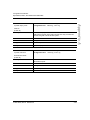
Network
•
Global SIP
•
Line Settings
•
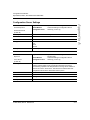
Configuration Server
•
Firmware Update
•
Troubleshooting
Reference
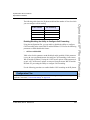
For information about all other user options, see your model-specific
SIP IP Phone User Guide.
For procedures on configuring the IP phone via the Aastra Web UI, see Chapter 4,
“Network Configuration of the IP Phones.”
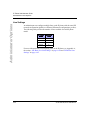
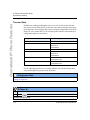
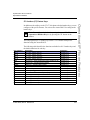
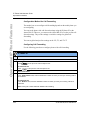
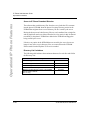
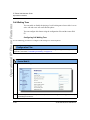
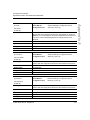
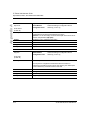
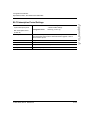
Configuration File Options
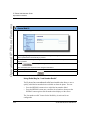
A system administrator can enter specific parameters in the configuration files to
configure the IP phones. All parameters in configuration files can only be set by
an administrator.
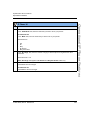
Reference
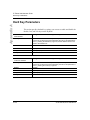
For a description of each configuration file parameter, see Appendix A,
“Configuration Parameters.”
3-4
41-001160-00, Rev 01 Release 2.0