1
91
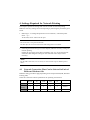
7. Settings and Operations for Scan Functions
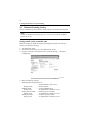
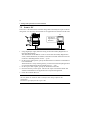
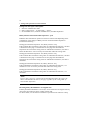
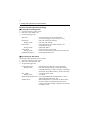
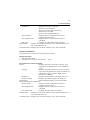
■ Direct Input
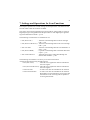
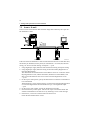
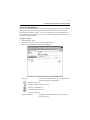
The address used in Scan to E-mail can be directly input from the control panel of
the copier, instead of using the one-touch key or one time key.
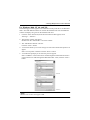
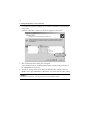
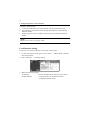
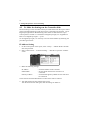
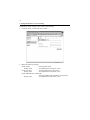
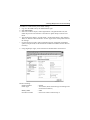
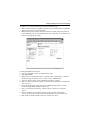
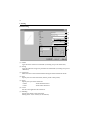
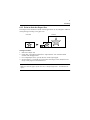
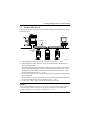
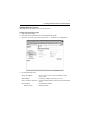
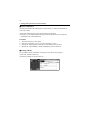
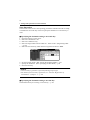
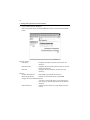
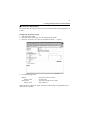
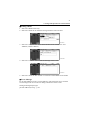
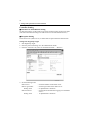
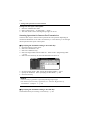
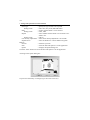
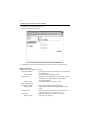
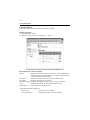
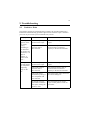
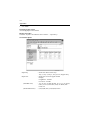
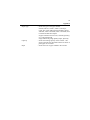
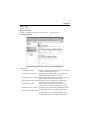
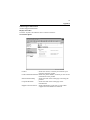
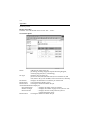
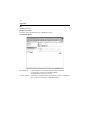
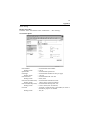
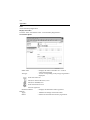
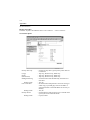
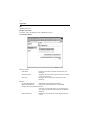
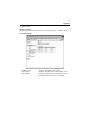
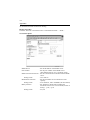
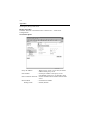
1. Press the Scan key on the copier.
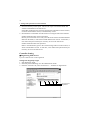
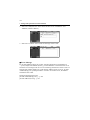
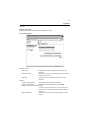
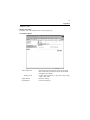
2. Select “Direct.”
4334P202CA
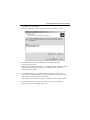
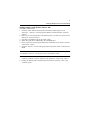
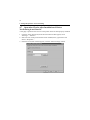
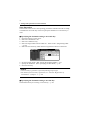
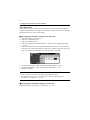
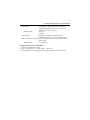
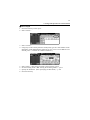
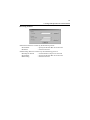
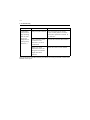
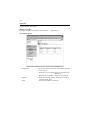
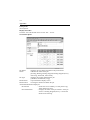
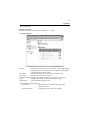
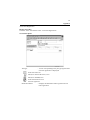
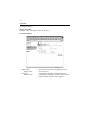
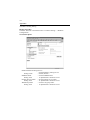
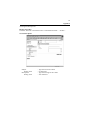
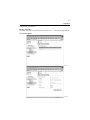
3. Select “E-MAIL.”
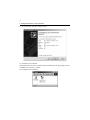
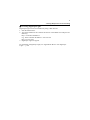
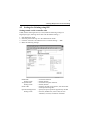
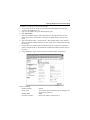
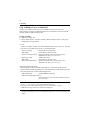
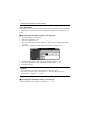
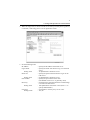
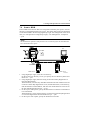
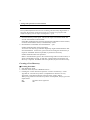
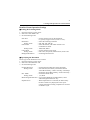
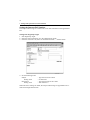
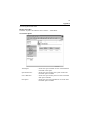
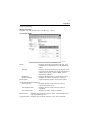
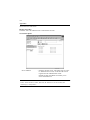
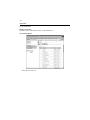
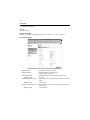
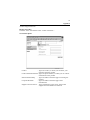
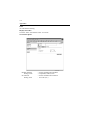
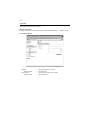
4. Using keys on the control panel and 10-Key Pad, type the e-mail address of the
destination. (1800 alphanumeric characters or less; if two or more addresses are
entered, place “,” between two different addresses.)
4334P203CA
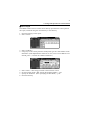
5.
6.
7.
8.
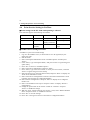
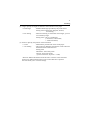
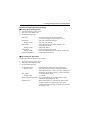
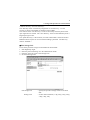
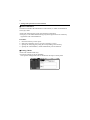
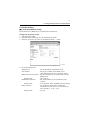
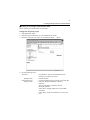
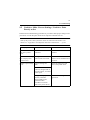
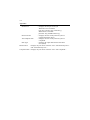
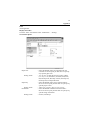
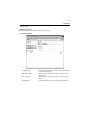
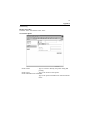
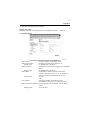
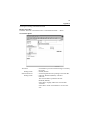
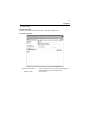
Select “Enter.” This brings you back to the scan basic screen.
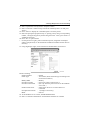
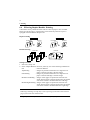
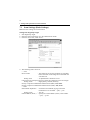
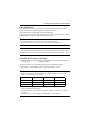
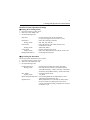
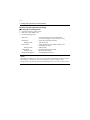
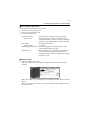
Set the scanning mode. (Ref.: Setting the Scanning Mode) ☞p.92
Specify the document. (Ref.: Specifying the Document) ☞p.92
Press the Start key.