1
27
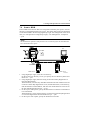
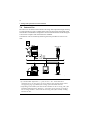
4. Settings Required for Network Printing
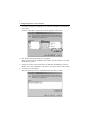
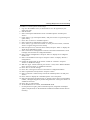
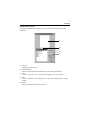
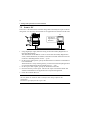
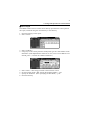
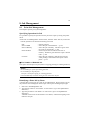
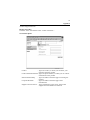
16. Select “Queues Serviced by Printer” and press “Enter.”
17. Select “CN3101e” created in step 12 from the “Defined printer” list and press
“Enter.”
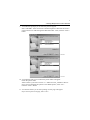
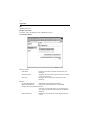
18. Press “Insert” to display the “Available Queue” list of the printer.
19. Select the print queue prepared in step 4. Specify priority using a corresponding
number, 1 being the top priority and 10 being the lowest. Then, press “Enter” to
validate the selection.
20. Press “Esc” to quit Pconsole.
* For the queue user rights, printer notification option, assignment of multiple
queues, and password, see the document available for NetWare and set them as
necessary.
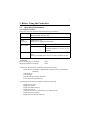
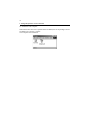
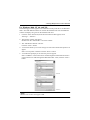
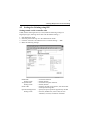
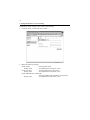
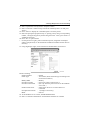
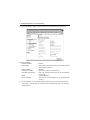
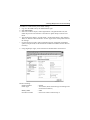
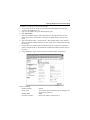
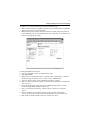
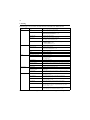
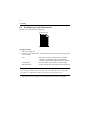
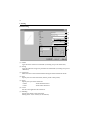
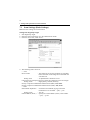
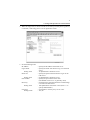
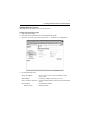
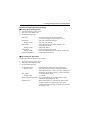
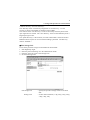
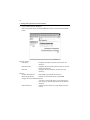
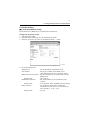
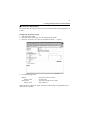
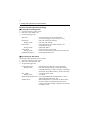
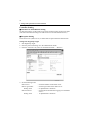
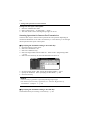
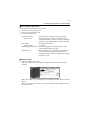
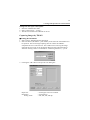
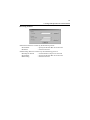
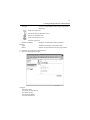
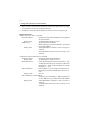
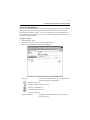
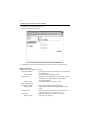
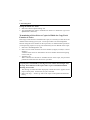
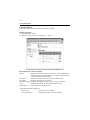
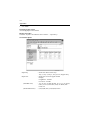
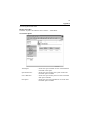
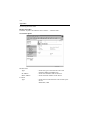
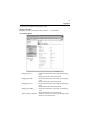
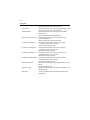
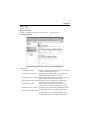
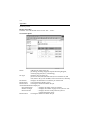
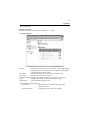
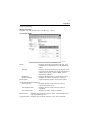
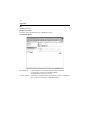
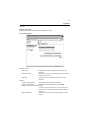
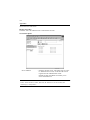
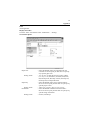
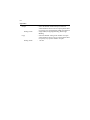
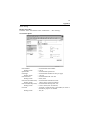
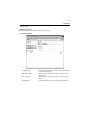
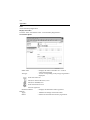
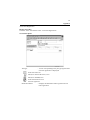
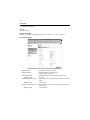
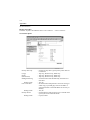
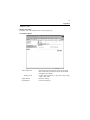
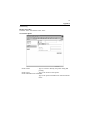
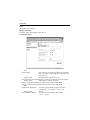
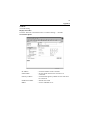
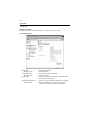
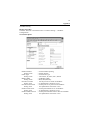
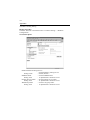
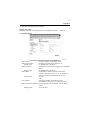
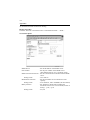
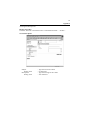
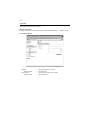
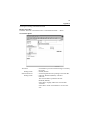
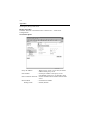
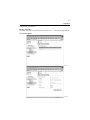
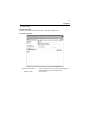
21. Using PageScope Light, set the controller as detailed below and restart it.
4334P237CA
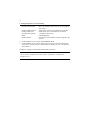
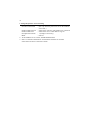
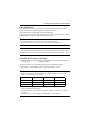
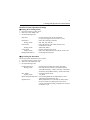
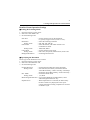
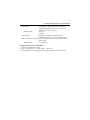
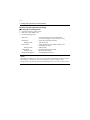
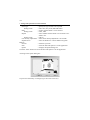
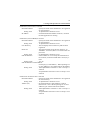
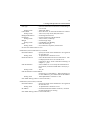
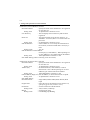
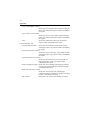
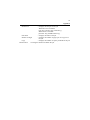
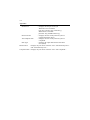
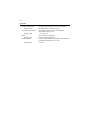
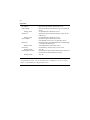
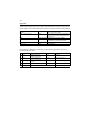
Details of Setting:
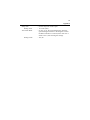
Enable NetWare
Frame Type
Bindery/NDS
Print Server Name
Print Server Password
Preferred File Server
Print Queue Scan Rate
Mode
: Enable
: Auto Detect (Select the frame type according to the
network environment.)
: Bindery
: Print server name created in step 7
: (Set only when the password is set on the NetWare
server side.)
: Name of the file server to which PServer is
connected
: 1 (Change as necessary.)
: PServer
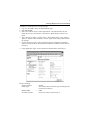
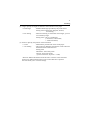
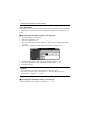
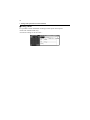
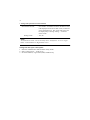
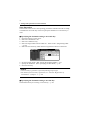
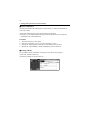
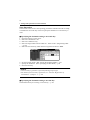
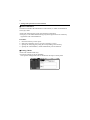
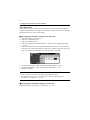
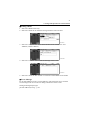
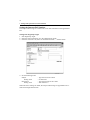
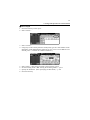
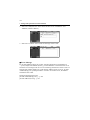
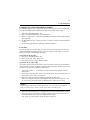
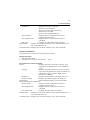
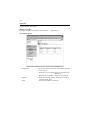
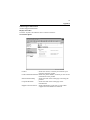
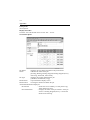
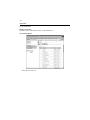
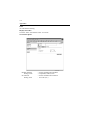
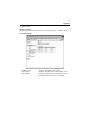
22. At the NetWare server console, load MONITOR.NLM.
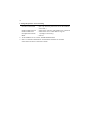
23. Select “Connection Information” and check that the PServer created is