1
61
7. Settings and Operations for Scan Functions
This chapter explains how to make settings for and operate the scan functions that
become usable when the controller is added.
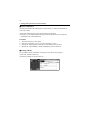
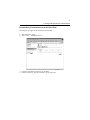
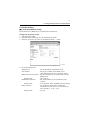
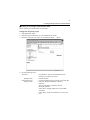
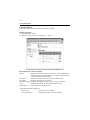
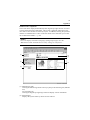
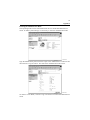
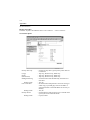
The copier control panel or PageScope Light is used for setting. Refer to Usage of
PageScope Light on Appendix B for the procedures to start PageScope Light and
log in the administrator mode. ☞p.138
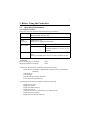
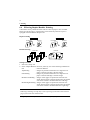
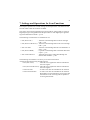
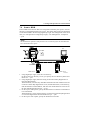
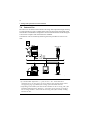
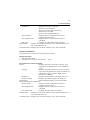
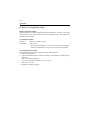
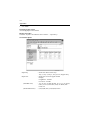
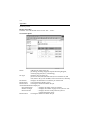
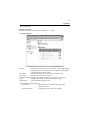
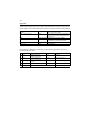
The following scan functions are available for use:
• File (Scan to PC)
•
•
•
•
: Transfers scanned image data to the PC through
FTP. ☞p.64
File (Scan to FTP Server) : Transfers scanned image data to the server through
FTP. ☞p.69
Scan to E-mail
: Transfers scanned image data as a file attached to email. ☞p.86
File (Scan to HDD)
: Captures scanned image data to the hard disk of the
copier. ☞p.77
Scan to Internet FAX
: Transmits and receives image data through the
Internet Fax standard. ☞p.94
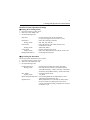
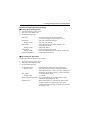
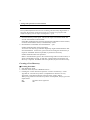
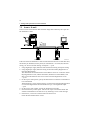
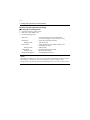
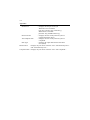
The following environment is necessary to use the scan functions.
• Network environment using TCP/IP protocol
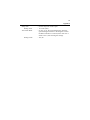
• File (Scan to PC)
: The FTP server application must be installed in
the receiving PC.
• File (Scan to FTP Server) : The FTP server application must be installed in
the receiving PC.
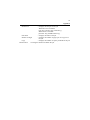
• Scan to E-mail
: A mail server must be available for the network.
• Scan to Internet FAX
: A mail server must be available for the network.
When data is to be transmitted, it is necessary that
the machine on the receiving end be capable of
receiving Internet Fax.